The mistakes
- Monitor plugged into the motherboard
With a graphics card installed, the display cable goes into the card. Otherwise you get the slow built-in graphics, or nothing.
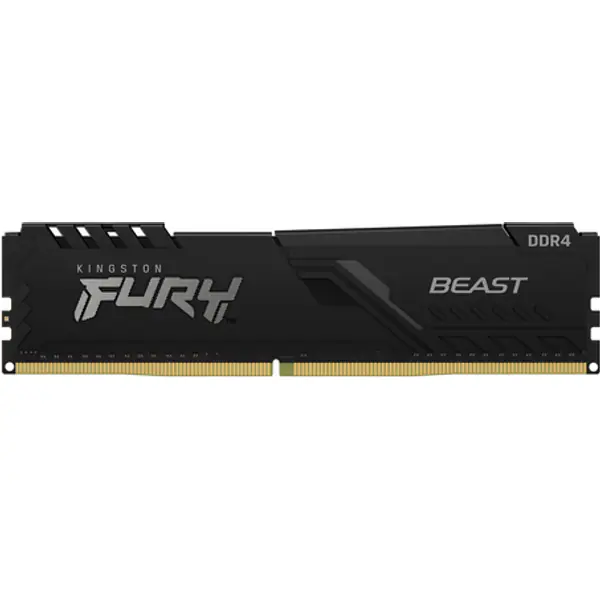
- Memory in the wrong slots
Two sticks go in the slots the manual marks (usually A2 and B2). Side by side often means single-channel and lower performance.
- XMP or EXPO left off
Memory runs at a slow default speed until you turn on XMP (Intel) or EXPO (AMD) in the BIOS.
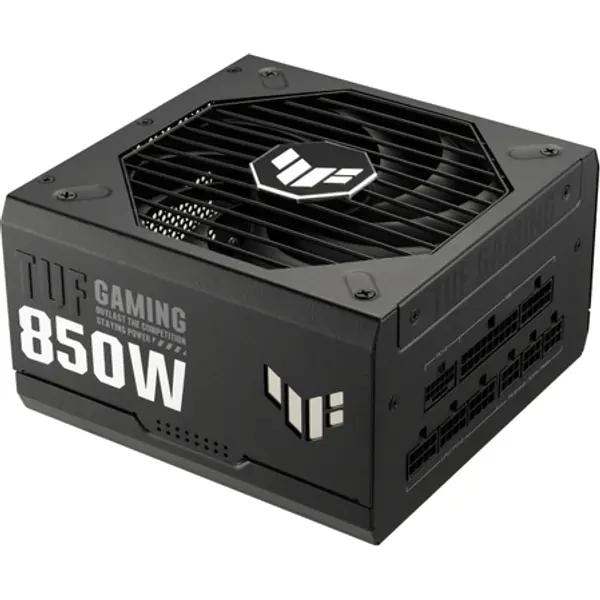
- A cheap, unknown power supply
It powers everything. Buy a known brand with an 80 Plus rating and enough watts; check with the PSU calculator.
- An F processor and no graphics card
Intel F chips have no built-in graphics, so there is no picture until a graphics card is installed.
- Cooler film left on
Peel the plastic off the cooler base. Left on, the processor overheats within minutes.
- One cable for a power-hungry graphics card
Use separate PCIe cables for each connector on high-power cards, not one daisy-chained cable. Push 16-pin plugs fully home.
- No BIOS update for a new processor
An older board may not start with a newer CPU until its BIOS is updated.
- An 8 GB graphics card for 1440p
Fine for esports, but new games at 1440p want 12 to 16 GB of video memory.
- Skipping the compatibility check
Socket, memory type, case size and power: the PC builder checks them all as you pick.
FAQ
What is the most common mistake when building a PC?
Plugging the monitor into the motherboard instead of the graphics card, and leaving XMP or EXPO off so the memory runs slow.
Why does my new PC show no display?
Check the monitor cable is in the graphics card, reseat the memory, and make sure the 8-pin CPU power cable is connected.
How many watts power supply do I need?
Most single-GPU gaming PCs need 550 to 850 W. The PSU calculator works it out for your exact parts.