


Monitors (Gaming & Office)
Gaming and work monitors by size, resolution, refresh rate and panel type.
Shop monitors by brand
- Samsung793 models here → Buy now on Amazon
- Lenovo773 models here → Buy now on Amazon
- Acer626 models here → Buy now on Amazon
- LG609 models here → Buy now on Amazon
- MSI408 models here → Buy now on Amazon
- ASUS357 models here → Buy now on Amazon
- HP321 models here → Buy now on Amazon
- Dell161 models here → Buy now on Amazon
- Alienware23 models here → Buy now on Amazon
- HyperX4 models here → Buy now on Amazon
- iiyama348 models here → Buy now on Amazon
- AOC306 models here → Buy now on Amazon
With photos
Popular monitors
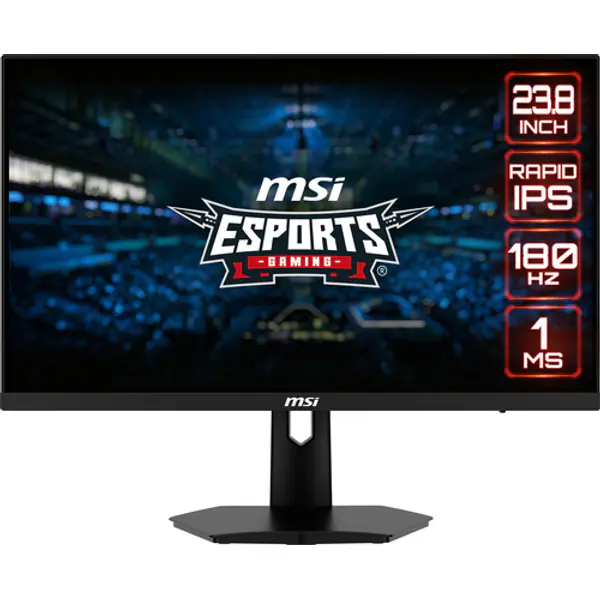
Monitor · MSI
MSI G244F E2 24" FHD 180Hz IPS
- Screen size
- 24 inch
- Resolution
- 1920 x 1080
- Refresh rate
- 180 Hz
- Panel
- IPS
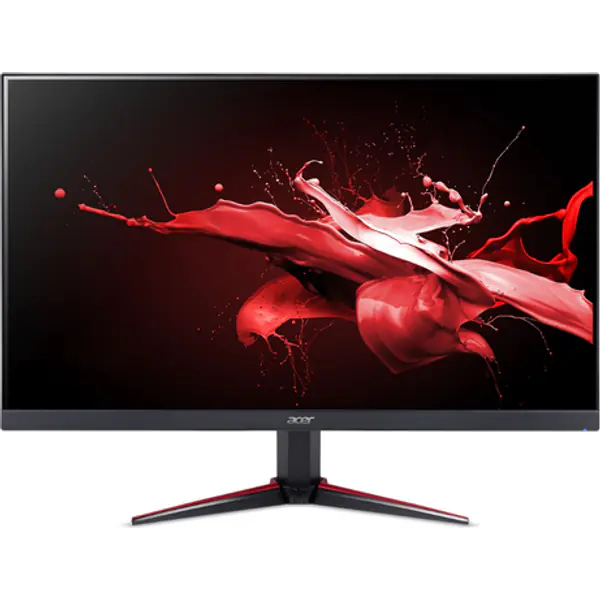
Monitor · Acer
Acer Nitro VG240Y M3 24" FHD 180Hz IPS
- Screen size
- 24 inch
- Resolution
- 1920 x 1080
- Refresh rate
- 180 Hz
- Panel
- IPS
Monitor · Samsung
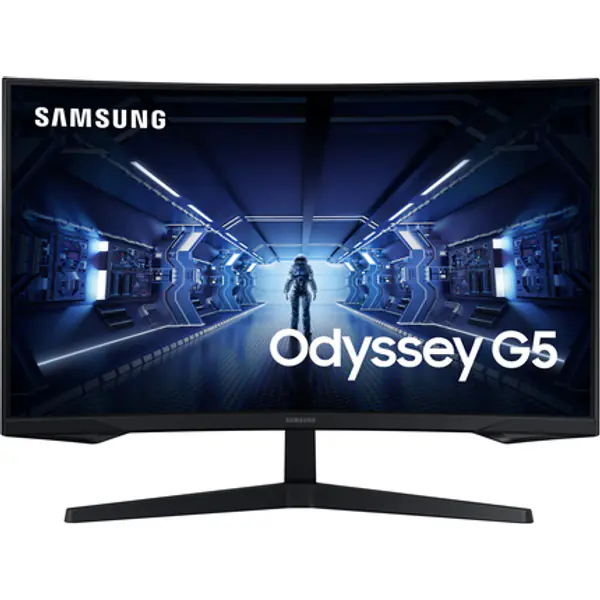
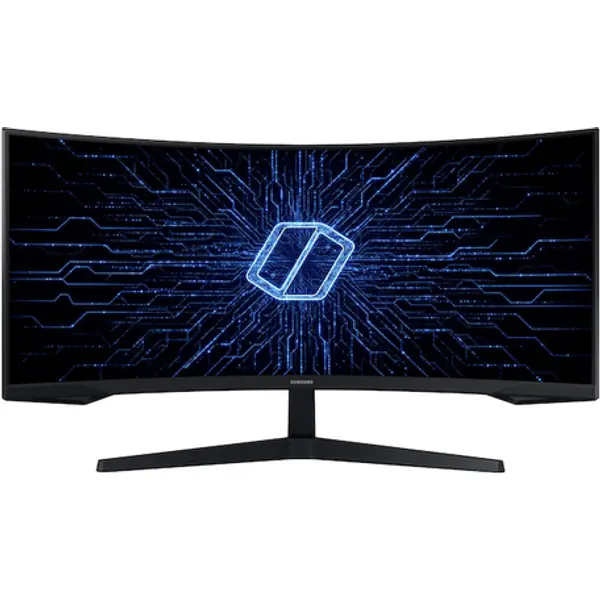
Samsung Odyssey G5 27" QHD 165Hz VA
- Screen size
- 27 inch
- Resolution
- 2560 x 1440
- Refresh rate
- 165 Hz
- Panel
- VA
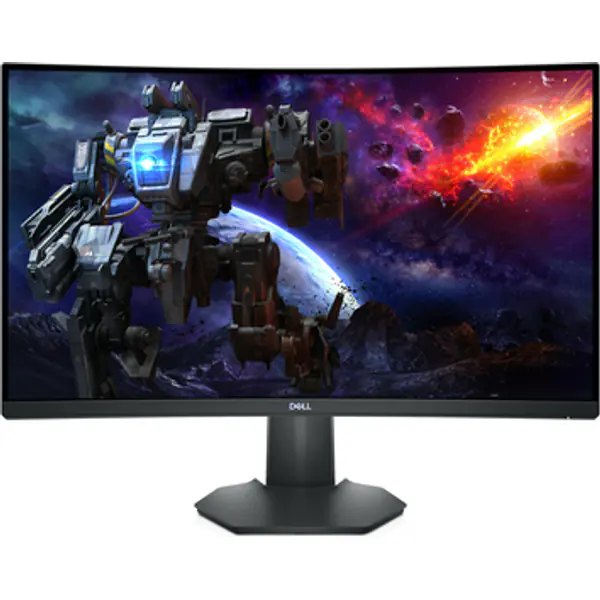
Monitor · Dell
Dell S2722DGM 27" 1440p 165Hz Curved Gaming Monitor
- Screen size
- 27 inch
- Resolution
- 2560 x 1440
- Refresh rate
- 165 Hz
- Panel
- VA Curved
- Response time
- 1 ms
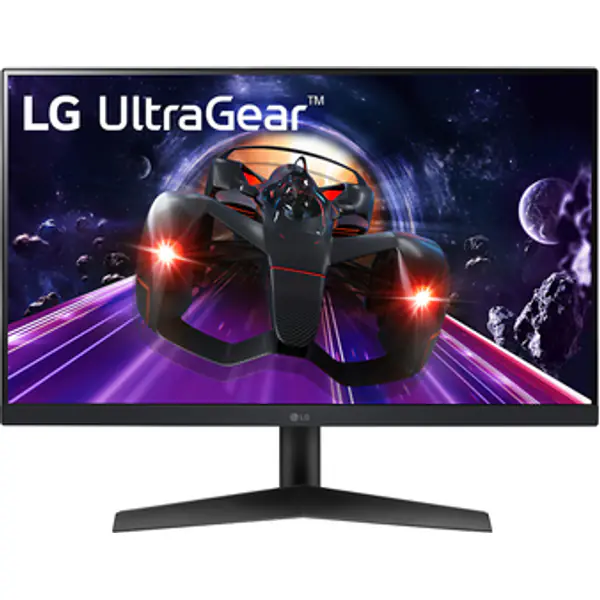
Monitor · LG
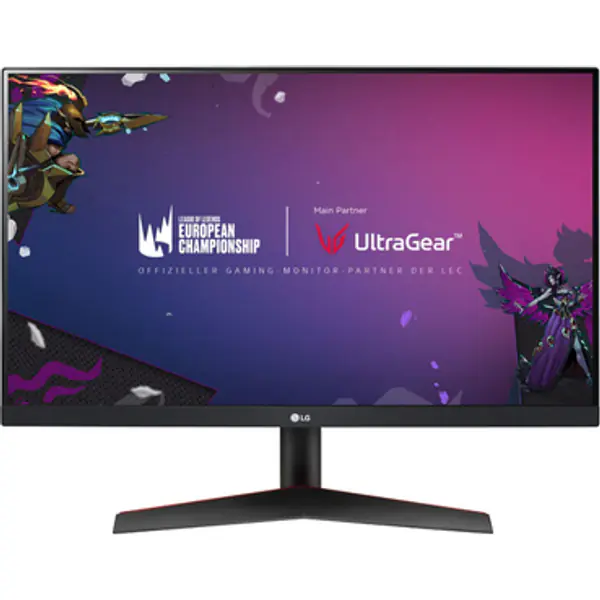
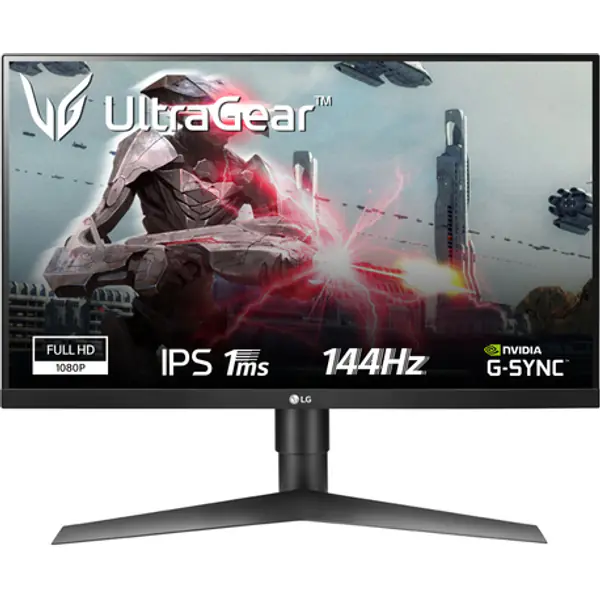
LG 24GN60R-B 24" 1080p 144Hz IPS Gaming Monitor
- Screen size
- 24 inch
- Resolution
- 1920 x 1080
- Refresh rate
- 144 Hz
- Panel
- IPS
- Response time
- 1 ms
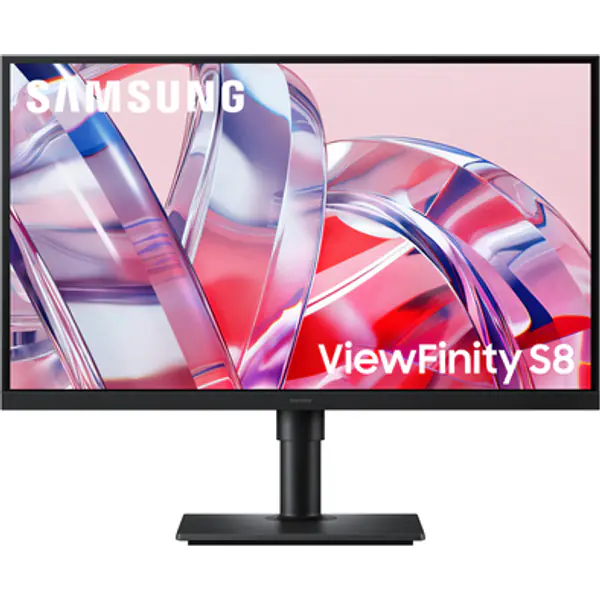
Monitor · Samsung
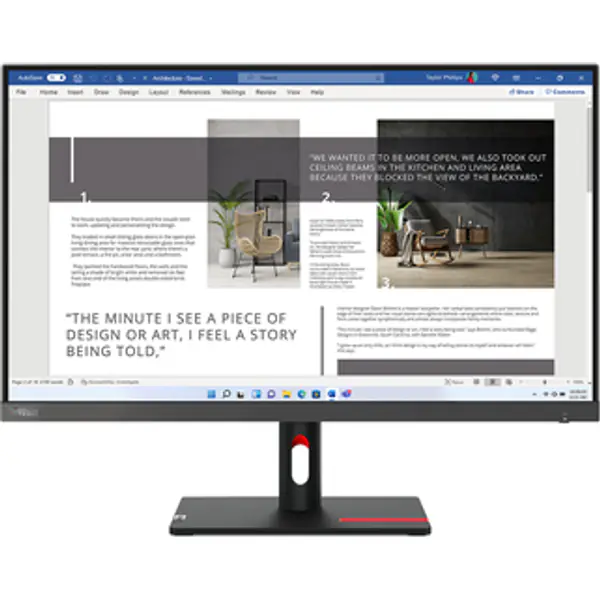
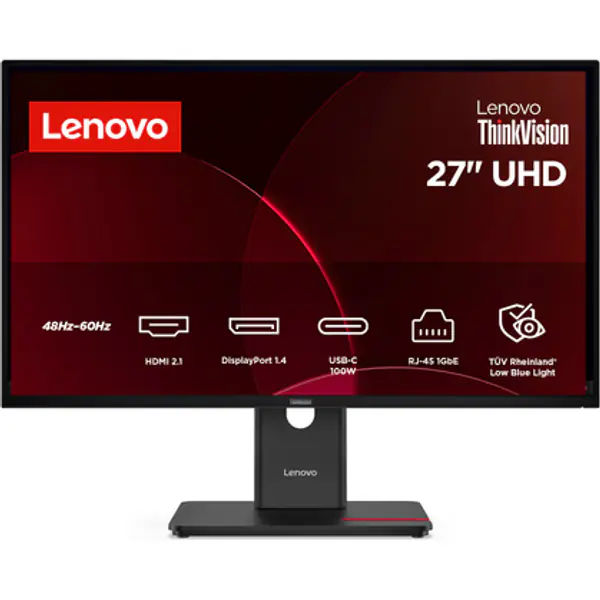
- Screen size
- 27 inch
- Resolution
- 3840 x 2160
- Refresh rate
- 60 Hz
- Panel
- IPS
- Response time
- 5 ms
- Released
- 2026
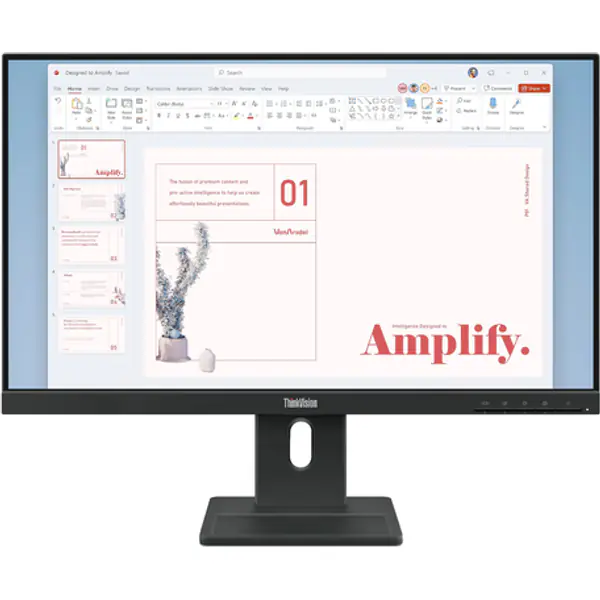
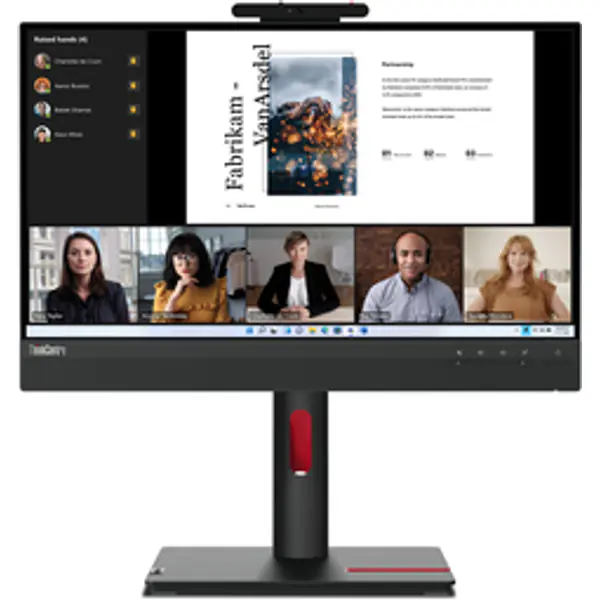
Monitor · Lenovo
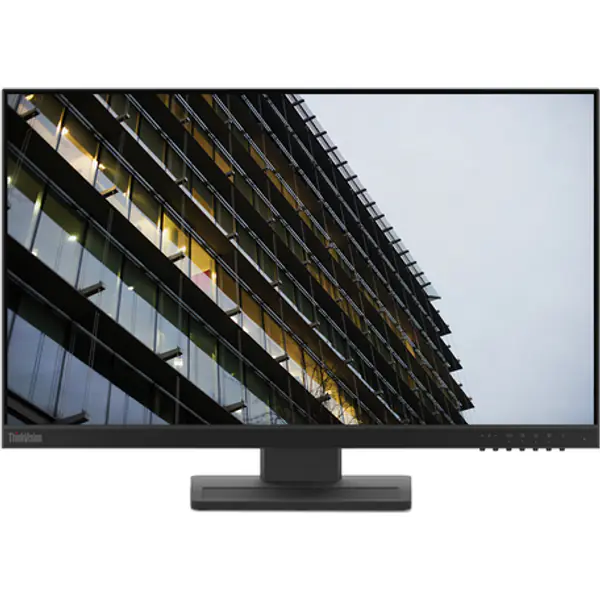
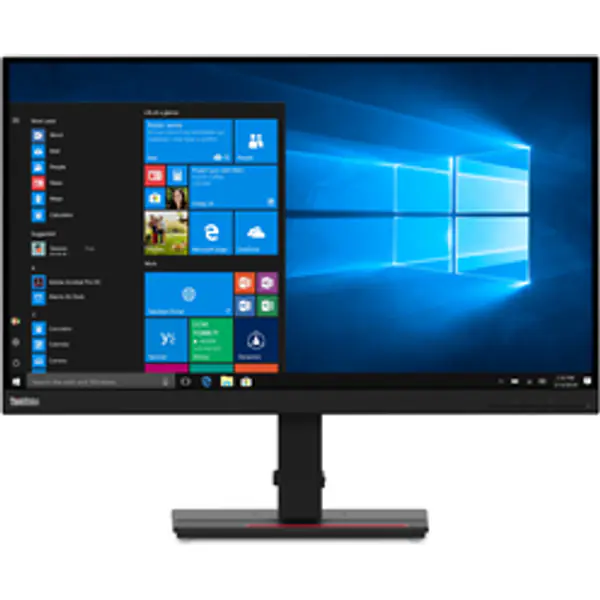
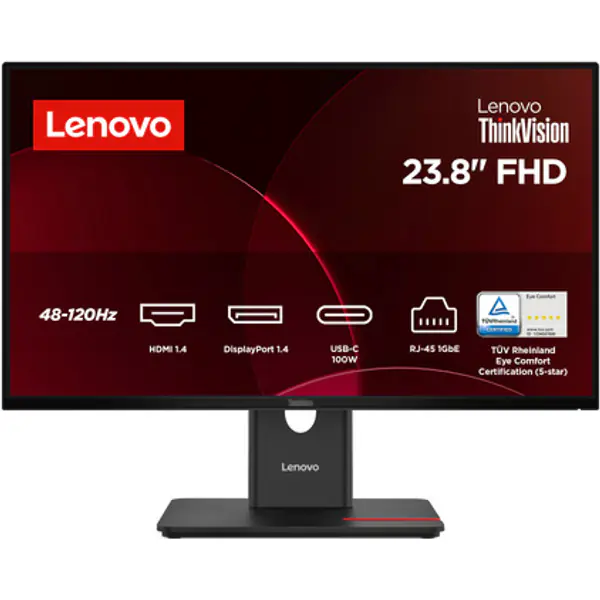
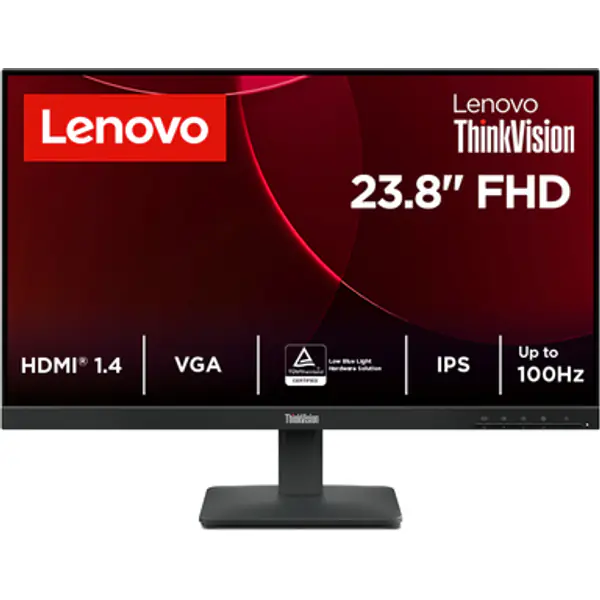
Lenovo ThinkVision E24-40 Monitor
- Screen size
- 24 inch
- Resolution
- 1920 x 1080
- Refresh rate
- 100 Hz
- Panel
- IPS
- Response time
- 4 ms
- Released
- 2026
Filters
No monitors match these filters.
No monitors with a real photo for your country yet. More are added every week.
Showing 1–48 of 5686
Buying monitors: common questions
1080p, 1440p or 4K monitor?
24 inch 1080p suits budget PCs. 27 inch 1440p is the sweet spot for most gaming PCs. 4K needs a strong graphics card for games, but looks great for work.
What refresh rate do I need?
144 Hz or higher makes games feel much smoother than 60 Hz, and costs little extra now. Competitive players go for 240 Hz.
IPS, VA or OLED?
IPS has the best colours and viewing angles. VA has deeper blacks for the money. OLED looks best and is fastest, but costs more and can burn in with static images.
HDMI or DisplayPort?
Use DisplayPort on a PC for high refresh rates. If you use HDMI for 1440p 144 Hz or 4K 120 Hz, you need HDMI 2.1.