Hardware Analysis Guide
How to compare CPUs and GPUs accurately
Comparing hardware by raw clock speed (GHz) or core counts alone can be deceptive across different generations and microarchitectures. IPC (Instructions Per Cycle), cache hierarchy, architectural efficiency, and memory bandwidth play an equally decisive role in real-world gaming and workload throughput.
Processor (CPU) Comparison Factors
- Single-Core vs Multi-Core: High single-core boost clock and IPC drive gaming frame rates, while high thread counts accelerate video rendering and 3D simulation.
- L3 Cache Size: Large cache buffers (such as AMD 3D V-Cache) dramatically reduce memory latency spikes in competitive and open-world PC games.
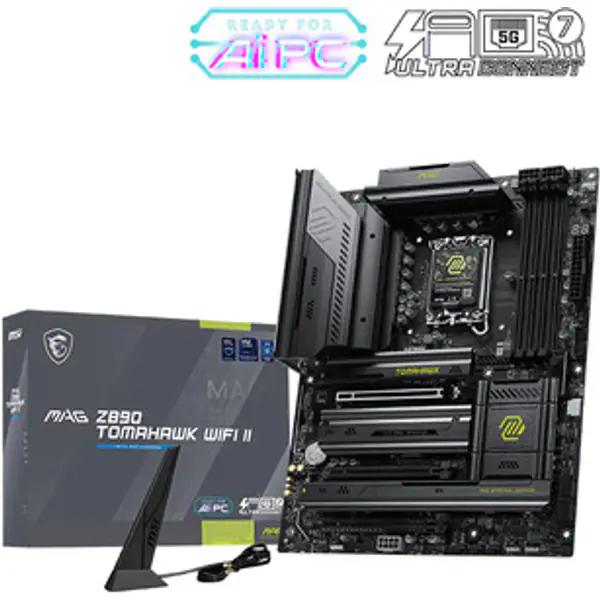
- Socket Lifespan: Newer platforms (AM5, LGA1851) offer future-proof upgrade paths with PCIe 5.0 and DDR5 memory support.
Graphics Card (GPU) Comparison Factors
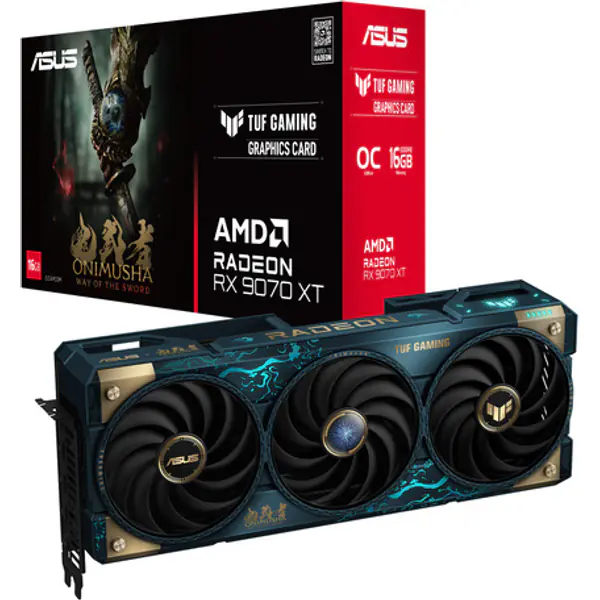
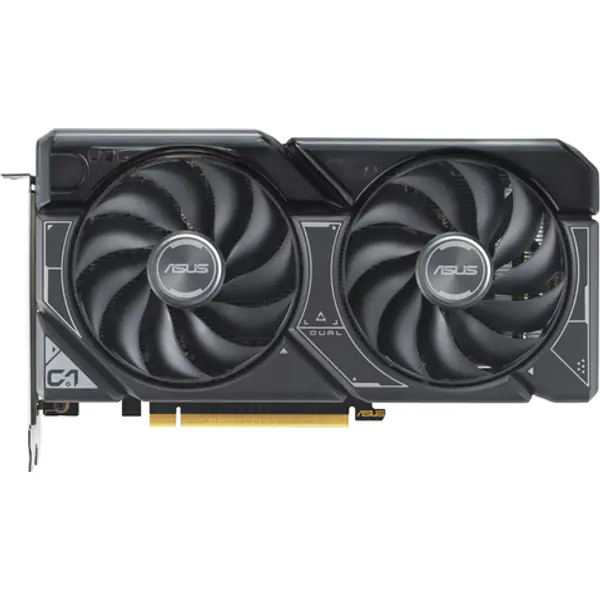
- VRAM Capacity & Bus Width: 8GB VRAM is the minimum for 1080p gaming; 12GB–16GB is recommended for smooth 1440p and 4K textures without stutter.
- Rasterization vs Ray Tracing: Pure raster FPS measures classic render speed, while dedicated RT and Tensor cores power realistic lighting and AI upscaling (DLSS / FSR).
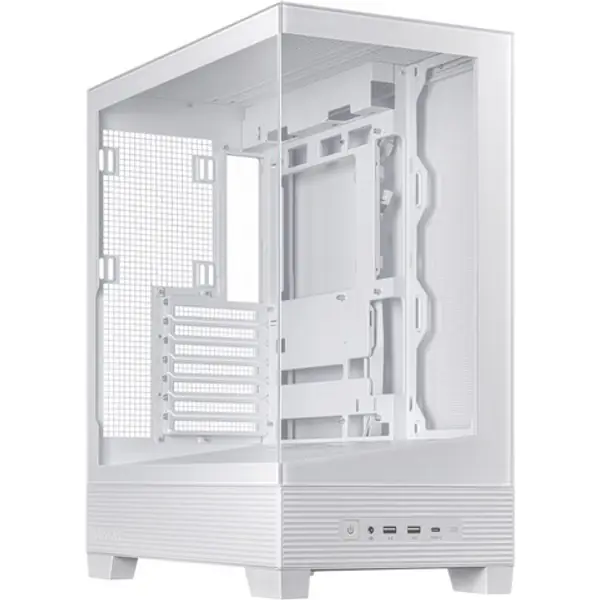
- Total Board Power (TDP): Higher TDP cards require larger power supplies and cases with robust airflow cooling.
Comparison FAQs
Is a newer generation CPU always faster than an older high-tier CPU?
Not always. A newer mid-range CPU (e.g. Ryzen 5 7600) often beats an older flagship (e.g. Ryzen 9 3900X) in gaming due to higher single-thread speed and faster IPC, even though the older chip has more cores.
How is the estimated gaming score calculated?
Our relative gaming index aggregates synthetic 3D benchmarks, architectural IPC scaling, memory throughput, and real-world game frame tests across 1080p and 1440p resolutions.