PC Components
46,293 parts from 249 brands. Pick a category to compare specs, filter by brand and series, see what fits together, and check today's price.
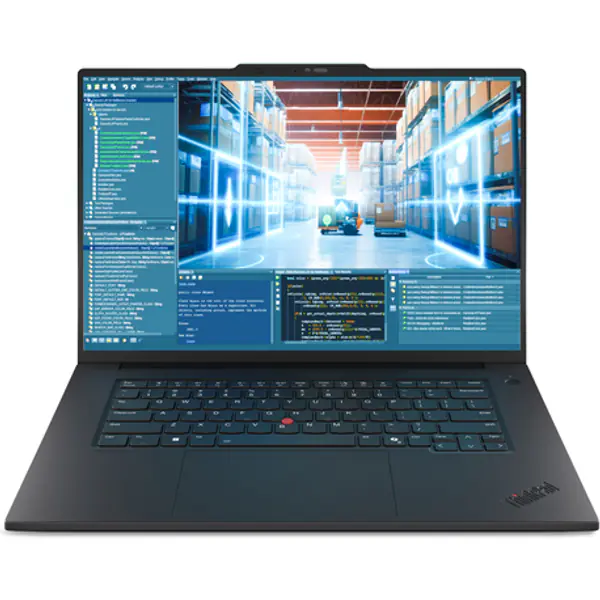
PC Components
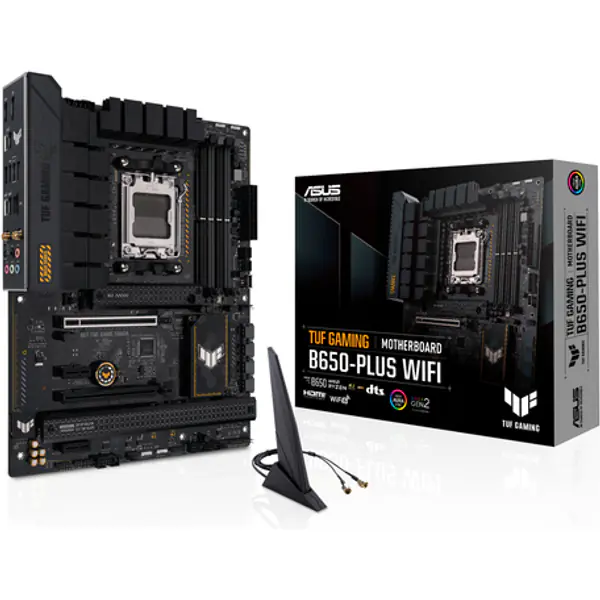
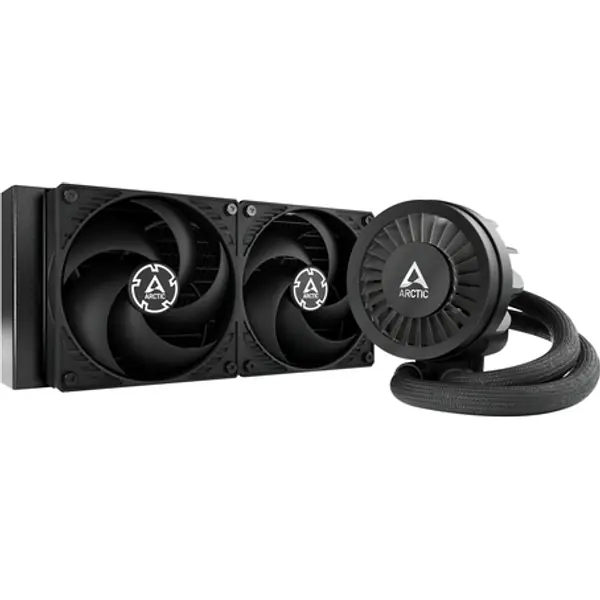
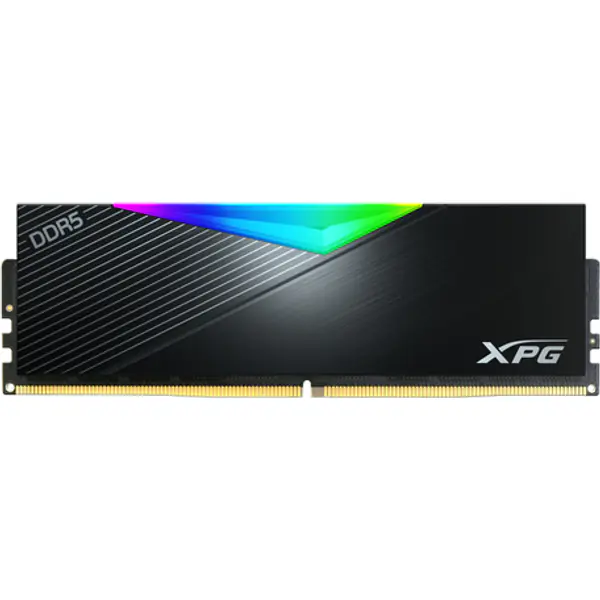
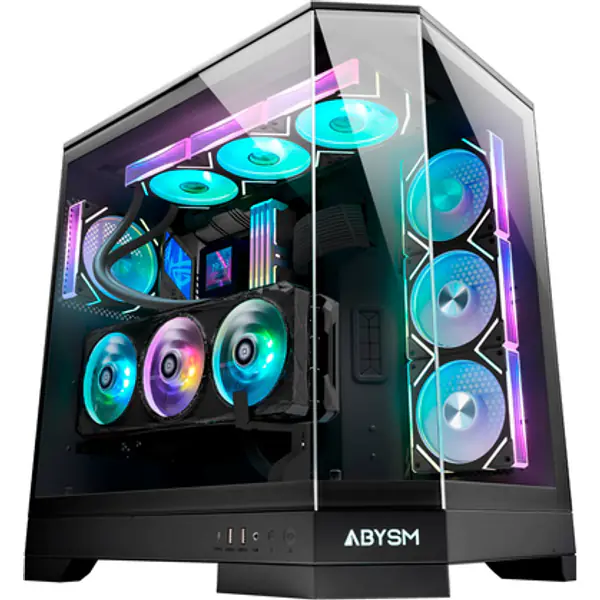
Storage & Power
Peripherals
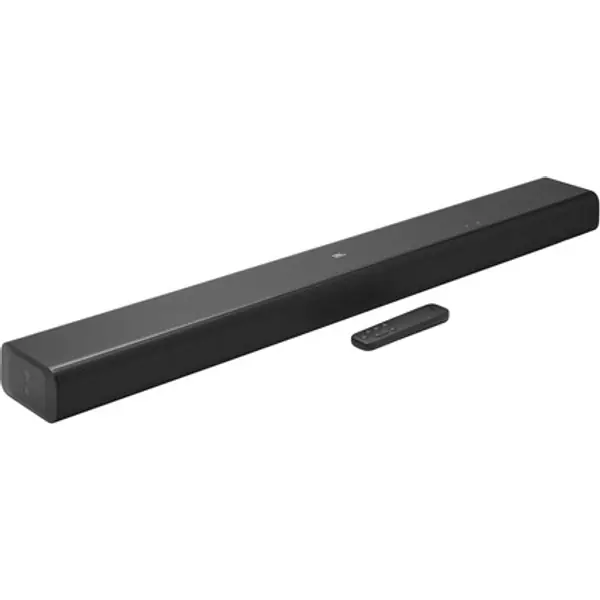
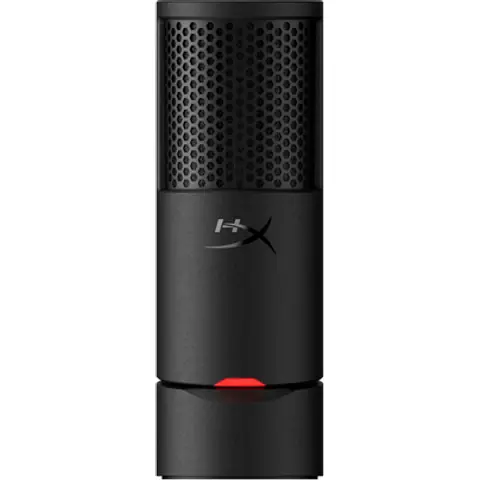
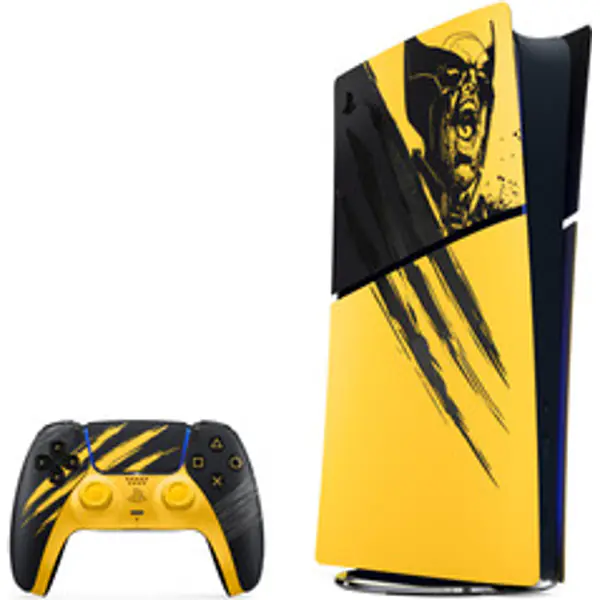
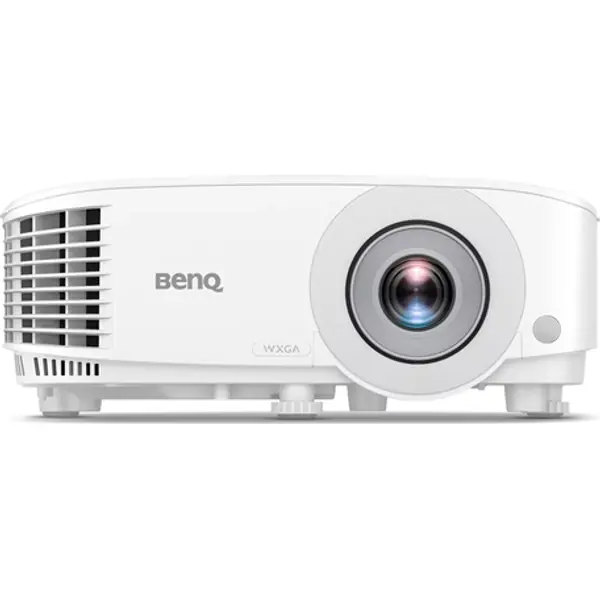
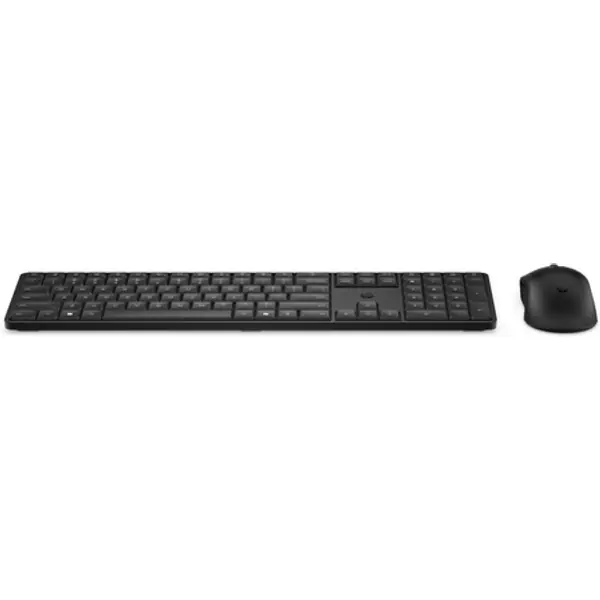
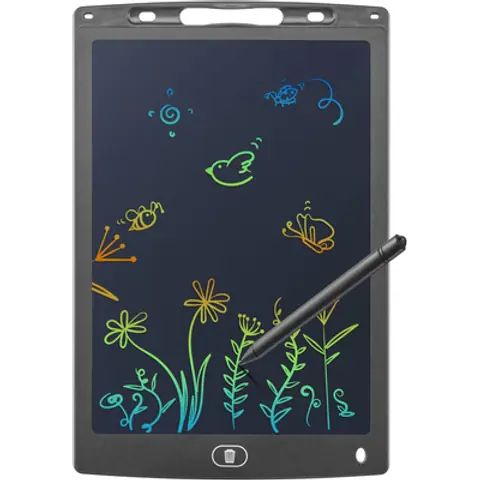
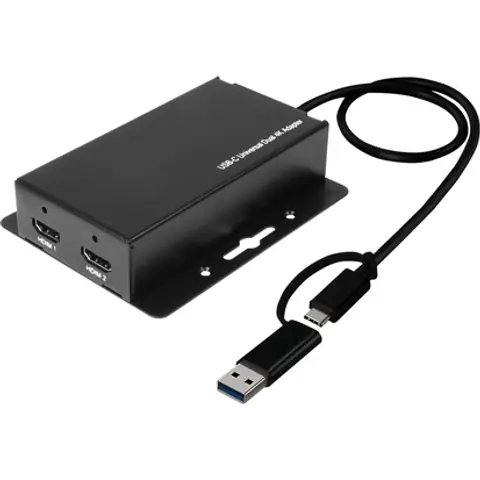
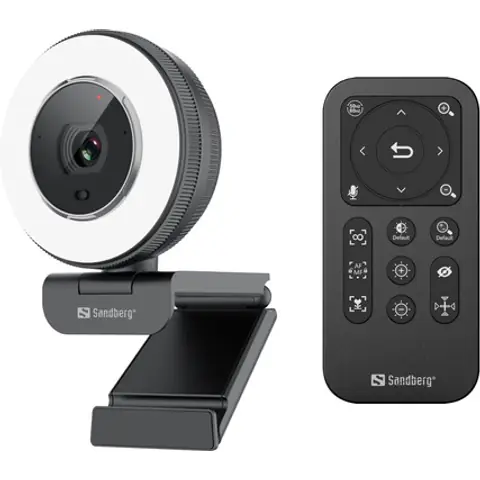
Accessories

Laptops & Desktop PCs
Servers
How to choose PC components
Start with what the PC is for. For gaming, the graphics card does most of the work, so spend the most there and pick a processor that keeps up with it. For video editing and 3D work, more processor cores and 32 GB of memory pay off.
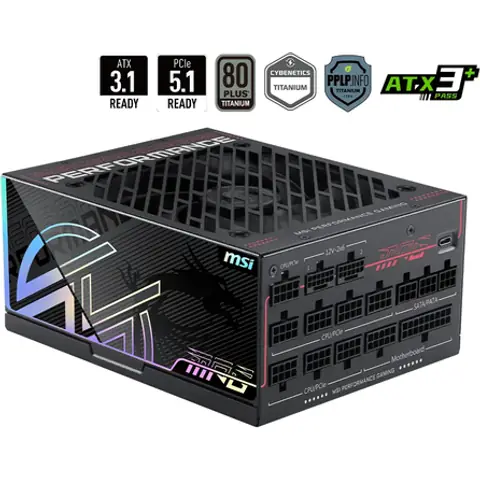
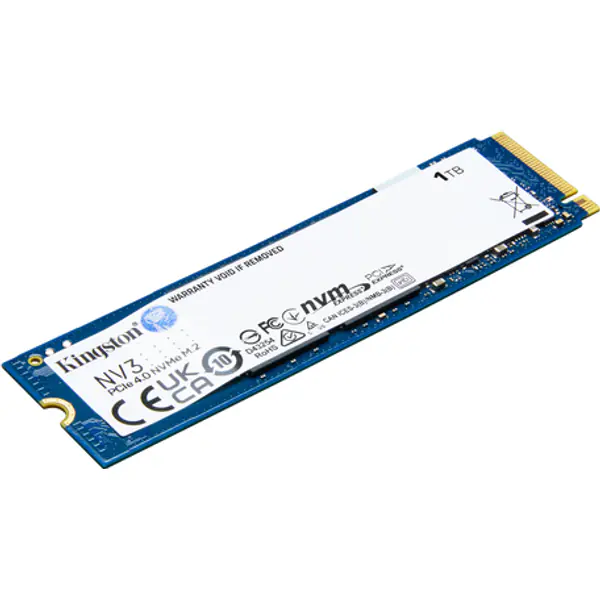
Then make the platform match: the motherboard needs the same socket as the processor and takes either DDR4 or DDR5 memory. A 1 TB NVMe SSD is the usual choice for Windows and games. Leave some headroom on the power supply, and check that the graphics card and cooler fit the case.
Not sure? Start from a PC build for your budget, or add parts one by one in the PC builder and it checks they fit together. Our buying guides explain each part in plain English.
Questions
Which PC components do I need to build a PC?
Eight parts: a processor (CPU), a motherboard, memory (RAM), an SSD, a power supply, a case and a CPU cooler, plus a graphics card for gaming. Some processors include a cooler and built-in graphics, so you may need fewer.
How do I know the parts work together?
The processor and motherboard must share a socket (for example AM5 or LGA1700), the memory must be the type the board takes (DDR4 or DDR5), the board must fit the case, and the power supply must cover what the parts draw. Our PC builder checks all of this as you add parts.
Which part matters most for gaming?
The graphics card. Spend the most there, then pick a processor that keeps up with it. The bottleneck calculator shows whether a pair is balanced.
Are the prices on this site real-time?
No. The prices we show are estimates. The Buy buttons open Amazon (and eBay in some countries) for your country, where you see today's price, delivery and reviews.