Bottleneck calculator
Will your processor hold back your graphics card? Pick any CPU and GPU, current or older, and see the balance at every resolution.
Select a processor and a graphics card to see how well they work together.
At every resolution
| Resolution | Limited by | Bottleneck | CPU use | GPU use |
|---|
Popular combinations
Ryzen 5 5600
- Ryzen 5 5600 + GeForce RTX 4060 8GB
- Ryzen 5 5600 + GeForce RTX 5060 8GB
- Ryzen 5 5600 + Radeon RX 9060 XT 16GB
- Ryzen 5 5600 + GeForce RTX 3050 6GB
- Ryzen 5 5600 + GeForce RTX 5060 Ti 16GB
- Ryzen 5 5600 + Radeon RX 7600 8GB
- Ryzen 5 5600 + GeForce RTX 5070 12GB
- Ryzen 5 5600 + Radeon RX 6600 8GB
- Ryzen 5 5600 + GeForce RTX 3060 12GB
- Ryzen 5 5600 + Radeon RX 9070 XT 16GB
- Ryzen 5 5600 + GeForce RTX 5070 Ti 16GB
- Ryzen 5 5600 + Radeon RX 9070 16GB
Ryzen 5 7600
- Ryzen 5 7600 + GeForce RTX 4060 8GB
- Ryzen 5 7600 + GeForce RTX 5060 8GB
- Ryzen 5 7600 + Radeon RX 9060 XT 16GB
- Ryzen 5 7600 + GeForce RTX 3050 6GB
- Ryzen 5 7600 + GeForce RTX 5060 Ti 16GB
- Ryzen 5 7600 + Radeon RX 7600 8GB
- Ryzen 5 7600 + GeForce RTX 5070 12GB
- Ryzen 5 7600 + Radeon RX 6600 8GB
- Ryzen 5 7600 + GeForce RTX 3060 12GB
- Ryzen 5 7600 + Radeon RX 9070 XT 16GB
- Ryzen 5 7600 + GeForce RTX 5070 Ti 16GB
- Ryzen 5 7600 + Radeon RX 9070 16GB
Ryzen 7 7800X3D
- Ryzen 7 7800X3D + GeForce RTX 4060 8GB
- Ryzen 7 7800X3D + GeForce RTX 5060 8GB
- Ryzen 7 7800X3D + Radeon RX 9060 XT 16GB
- Ryzen 7 7800X3D + GeForce RTX 3050 6GB
- Ryzen 7 7800X3D + GeForce RTX 5060 Ti 16GB
- Ryzen 7 7800X3D + Radeon RX 7600 8GB
- Ryzen 7 7800X3D + GeForce RTX 5070 12GB
- Ryzen 7 7800X3D + Radeon RX 6600 8GB
- Ryzen 7 7800X3D + GeForce RTX 3060 12GB
- Ryzen 7 7800X3D + Radeon RX 9070 XT 16GB
- Ryzen 7 7800X3D + GeForce RTX 5070 Ti 16GB
- Ryzen 7 7800X3D + Radeon RX 9070 16GB
Core i5-12400
- Core i5-12400 + GeForce RTX 4060 8GB
- Core i5-12400 + GeForce RTX 5060 8GB
- Core i5-12400 + Radeon RX 9060 XT 16GB
- Core i5-12400 + GeForce RTX 3050 6GB
- Core i5-12400 + GeForce RTX 5060 Ti 16GB
- Core i5-12400 + Radeon RX 7600 8GB
- Core i5-12400 + GeForce RTX 5070 12GB
- Core i5-12400 + Radeon RX 6600 8GB
- Core i5-12400 + GeForce RTX 3060 12GB
- Core i5-12400 + Radeon RX 9070 XT 16GB
- Core i5-12400 + GeForce RTX 5070 Ti 16GB
- Core i5-12400 + Radeon RX 9070 16GB
Ryzen 7 9800X3D
- Ryzen 7 9800X3D + GeForce RTX 4060 8GB
- Ryzen 7 9800X3D + GeForce RTX 5060 8GB
- Ryzen 7 9800X3D + Radeon RX 9060 XT 16GB
- Ryzen 7 9800X3D + GeForce RTX 3050 6GB
- Ryzen 7 9800X3D + GeForce RTX 5060 Ti 16GB
- Ryzen 7 9800X3D + Radeon RX 7600 8GB
- Ryzen 7 9800X3D + GeForce RTX 5070 12GB
- Ryzen 7 9800X3D + Radeon RX 6600 8GB
- Ryzen 7 9800X3D + GeForce RTX 3060 12GB
- Ryzen 7 9800X3D + Radeon RX 9070 XT 16GB
- Ryzen 7 9800X3D + GeForce RTX 5070 Ti 16GB
- Ryzen 7 9800X3D + Radeon RX 9070 16GB
Core i5-14400F
- Core i5-14400F + GeForce RTX 4060 8GB
- Core i5-14400F + GeForce RTX 5060 8GB
- Core i5-14400F + Radeon RX 9060 XT 16GB
- Core i5-14400F + GeForce RTX 3050 6GB
- Core i5-14400F + GeForce RTX 5060 Ti 16GB
- Core i5-14400F + Radeon RX 7600 8GB
- Core i5-14400F + GeForce RTX 5070 12GB
- Core i5-14400F + Radeon RX 6600 8GB
- Core i5-14400F + GeForce RTX 3060 12GB
- Core i5-14400F + Radeon RX 9070 XT 16GB
- Core i5-14400F + GeForce RTX 5070 Ti 16GB
- Core i5-14400F + Radeon RX 9070 16GB
Core i3-12100F
- Core i3-12100F + GeForce RTX 4060 8GB
- Core i3-12100F + GeForce RTX 5060 8GB
- Core i3-12100F + Radeon RX 9060 XT 16GB
- Core i3-12100F + GeForce RTX 3050 6GB
- Core i3-12100F + GeForce RTX 5060 Ti 16GB
- Core i3-12100F + Radeon RX 7600 8GB
- Core i3-12100F + GeForce RTX 5070 12GB
- Core i3-12100F + Radeon RX 6600 8GB
- Core i3-12100F + GeForce RTX 3060 12GB
- Core i3-12100F + Radeon RX 9070 XT 16GB
- Core i3-12100F + GeForce RTX 5070 Ti 16GB
- Core i3-12100F + Radeon RX 9070 16GB
Ryzen 5 5500
- Ryzen 5 5500 + GeForce RTX 4060 8GB
- Ryzen 5 5500 + GeForce RTX 5060 8GB
- Ryzen 5 5500 + Radeon RX 9060 XT 16GB
- Ryzen 5 5500 + GeForce RTX 3050 6GB
- Ryzen 5 5500 + GeForce RTX 5060 Ti 16GB
- Ryzen 5 5500 + Radeon RX 7600 8GB
- Ryzen 5 5500 + GeForce RTX 5070 12GB
- Ryzen 5 5500 + Radeon RX 6600 8GB
- Ryzen 5 5500 + GeForce RTX 3060 12GB
- Ryzen 5 5500 + Radeon RX 9070 XT 16GB
- Ryzen 5 5500 + GeForce RTX 5070 Ti 16GB
- Ryzen 5 5500 + Radeon RX 9070 16GB
Core i5-13400F
- Core i5-13400F + GeForce RTX 4060 8GB
- Core i5-13400F + GeForce RTX 5060 8GB
- Core i5-13400F + Radeon RX 9060 XT 16GB
- Core i5-13400F + GeForce RTX 3050 6GB
- Core i5-13400F + GeForce RTX 5060 Ti 16GB
- Core i5-13400F + Radeon RX 7600 8GB
- Core i5-13400F + GeForce RTX 5070 12GB
- Core i5-13400F + Radeon RX 6600 8GB
- Core i5-13400F + GeForce RTX 3060 12GB
- Core i5-13400F + Radeon RX 9070 XT 16GB
- Core i5-13400F + GeForce RTX 5070 Ti 16GB
- Core i5-13400F + Radeon RX 9070 16GB
Ryzen 5 7500F
- Ryzen 5 7500F + GeForce RTX 4060 8GB
- Ryzen 5 7500F + GeForce RTX 5060 8GB
- Ryzen 5 7500F + Radeon RX 9060 XT 16GB
- Ryzen 5 7500F + GeForce RTX 3050 6GB
- Ryzen 5 7500F + GeForce RTX 5060 Ti 16GB
- Ryzen 5 7500F + Radeon RX 7600 8GB
- Ryzen 5 7500F + GeForce RTX 5070 12GB
- Ryzen 5 7500F + Radeon RX 6600 8GB
- Ryzen 5 7500F + GeForce RTX 3060 12GB
- Ryzen 5 7500F + Radeon RX 9070 XT 16GB
- Ryzen 5 7500F + GeForce RTX 5070 Ti 16GB
- Ryzen 5 7500F + Radeon RX 9070 16GB
Ryzen 5 9600X
- Ryzen 5 9600X + GeForce RTX 4060 8GB
- Ryzen 5 9600X + GeForce RTX 5060 8GB
- Ryzen 5 9600X + Radeon RX 9060 XT 16GB
- Ryzen 5 9600X + GeForce RTX 3050 6GB
- Ryzen 5 9600X + GeForce RTX 5060 Ti 16GB
- Ryzen 5 9600X + Radeon RX 7600 8GB
- Ryzen 5 9600X + GeForce RTX 5070 12GB
- Ryzen 5 9600X + Radeon RX 6600 8GB
- Ryzen 5 9600X + GeForce RTX 3060 12GB
- Ryzen 5 9600X + Radeon RX 9070 XT 16GB
- Ryzen 5 9600X + GeForce RTX 5070 Ti 16GB
- Ryzen 5 9600X + Radeon RX 9070 16GB
Core i5-14600K
- Core i5-14600K + GeForce RTX 4060 8GB
- Core i5-14600K + GeForce RTX 5060 8GB
- Core i5-14600K + Radeon RX 9060 XT 16GB
- Core i5-14600K + GeForce RTX 3050 6GB
- Core i5-14600K + GeForce RTX 5060 Ti 16GB
- Core i5-14600K + Radeon RX 7600 8GB
- Core i5-14600K + GeForce RTX 5070 12GB
- Core i5-14600K + Radeon RX 6600 8GB
- Core i5-14600K + GeForce RTX 3060 12GB
- Core i5-14600K + Radeon RX 9070 XT 16GB
- Core i5-14600K + GeForce RTX 5070 Ti 16GB
- Core i5-14600K + Radeon RX 9070 16GB
Bottleneck calculator FAQ
What is a bottleneck?
When one part is much slower than the other, the faster part waits. A CPU bottleneck means the processor cannot prepare frames as fast as the graphics card can draw them.
Is a GPU bottleneck bad?
No. In games the graphics card should be the limit. It means you get the full value of the GPU, and a GPU upgrade will raise frame rates.
Why does resolution change the result?
At low resolutions the graphics card finishes frames quickly, so the CPU has to prepare more of them. At 1440p and 4K the GPU does more work per frame and the CPU matters less.
How accurate is it?
It compares our estimated CPU and GPU scores, so it shows the balance between two parts, not exact FPS. Results vary by game: esports and strategy titles lean on the CPU, modern AAA games on the GPU.
Parts people are looking at
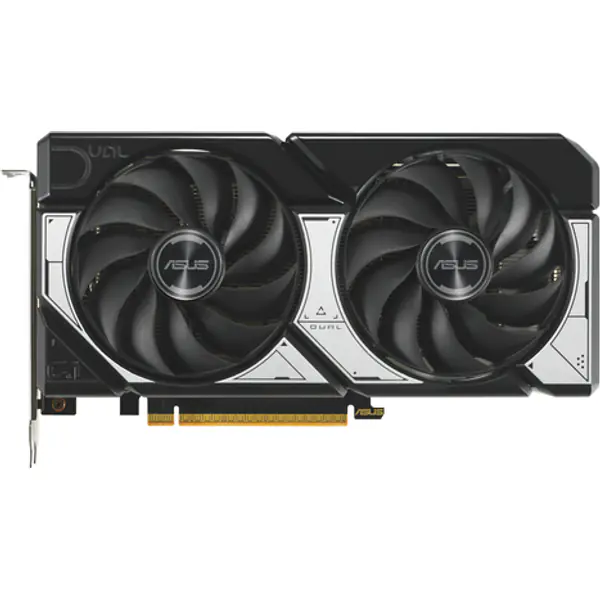
- NVIDIANVIDIA GeForce RTX 5060 8GB8 GB GDDR7 · 2.50 GHz boost Buy now on Amazon
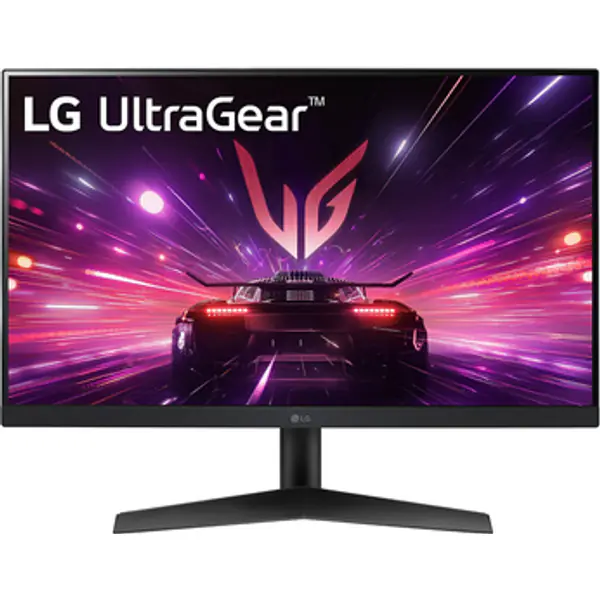
- LGLG 24GS60F 24" FHD 180Hz IPS24 inch · 1920 x 1080 Buy now on Amazon
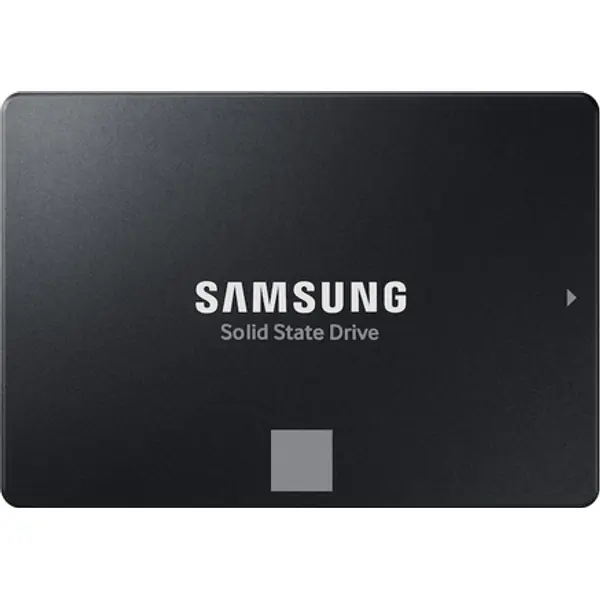
- SamsungSamsung 870 EVO 500GB SATA SSD500 GB · SATA SSD Buy now on Amazon
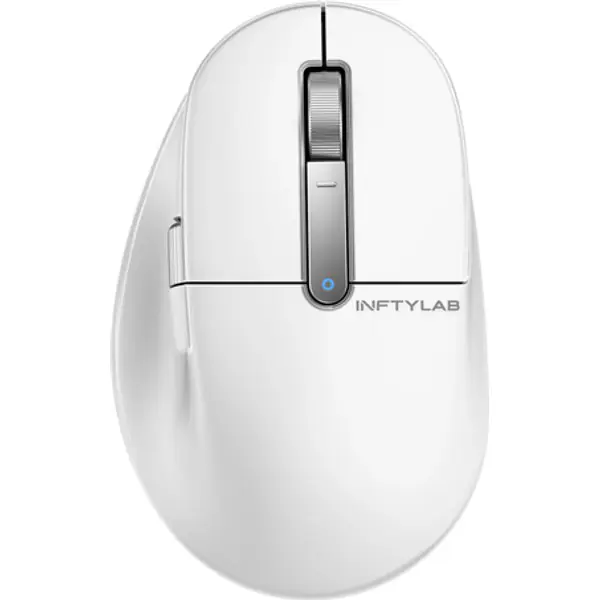
- BenQBenQ PS01 MouseWireless / Wired · 400 DPI Buy now on Amazon
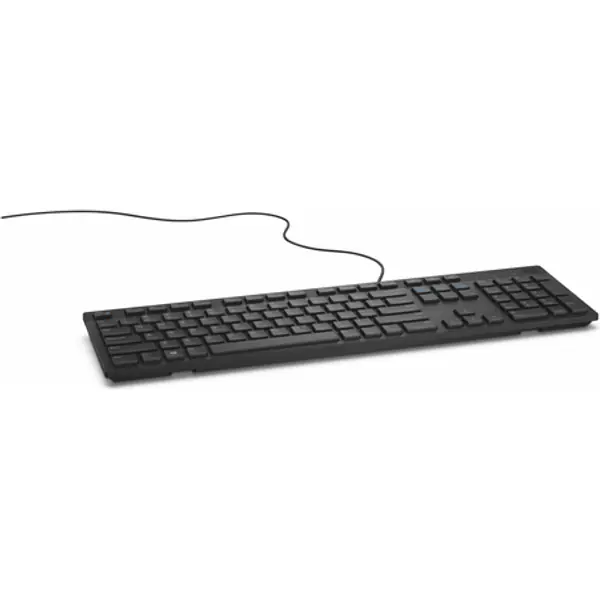
- DellDell kb216 KeyboardFull-size · Wired Buy now on Amazon
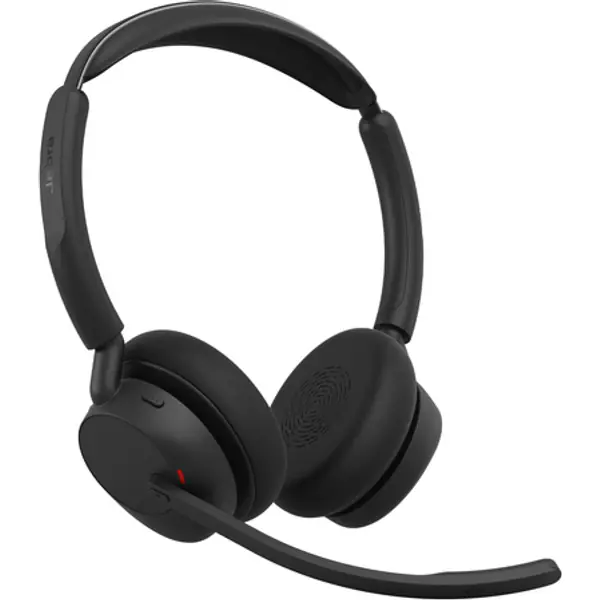
- JabraJabra Evolve3 45 UC USB-A with Dongle Stereo (Charging Stand)Wireless Buy now on Amazon
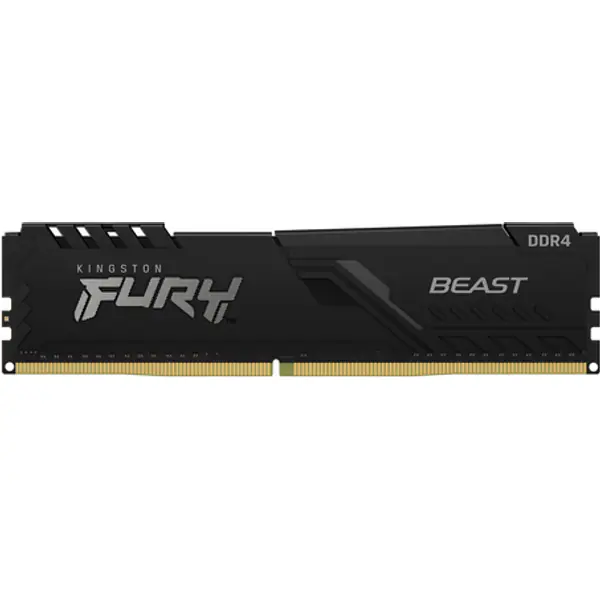
- KingstonKingston FURY Beast 8GB (1x8) DDR4-3200 CL168 GB (1x8) · DDR4 Buy now on Amazon
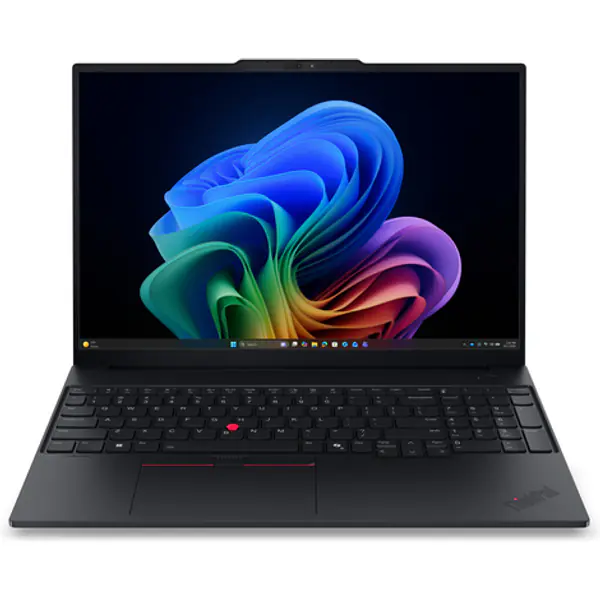
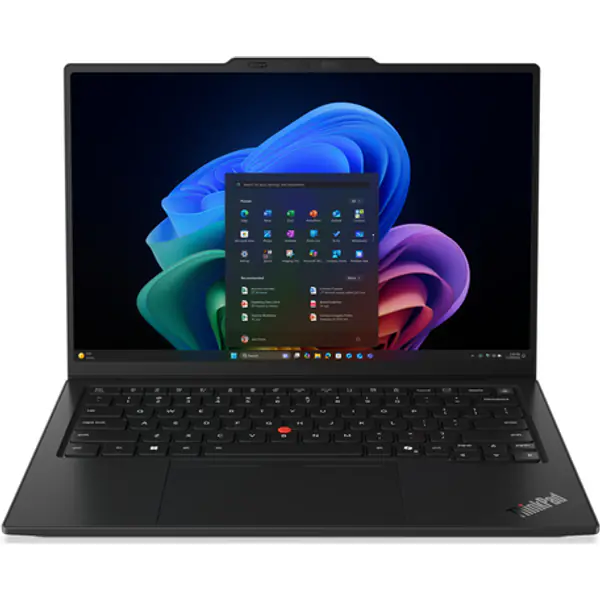
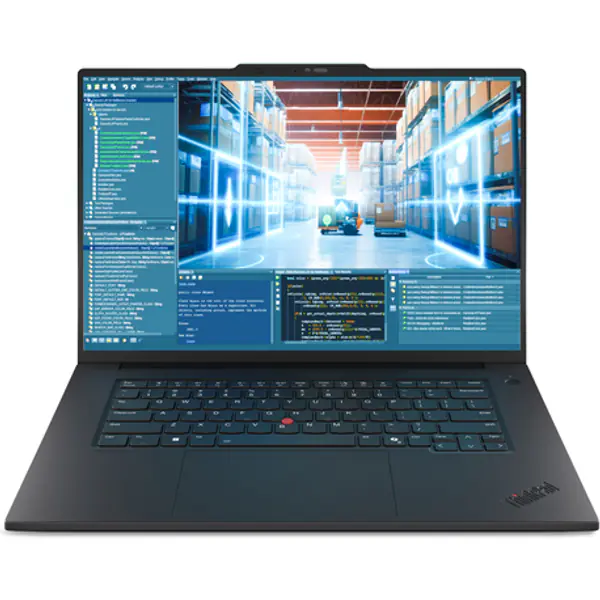
- LenovoLenovo ThinkPad E16 Gen 4 (AMD) Copilot+ PCAMD 330 · AMD Radeon 820M Buy now on Amazon
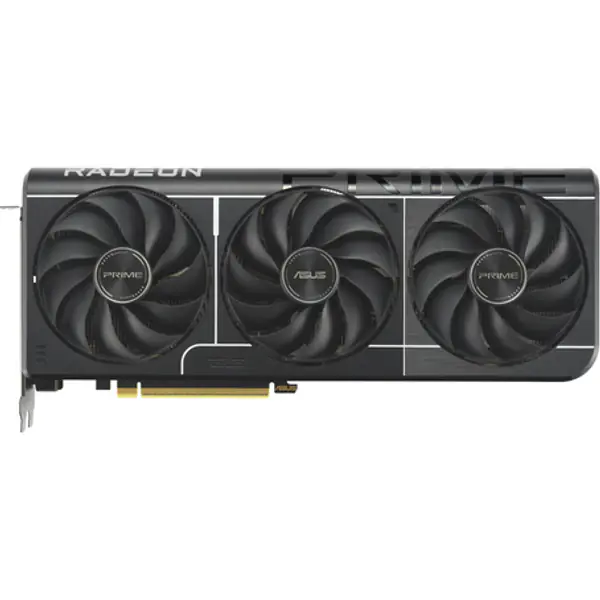
- AMDAMD Radeon RX 9060 XT 16GB16 GB GDDR6 · 3.13 GHz boost Buy now on Amazon
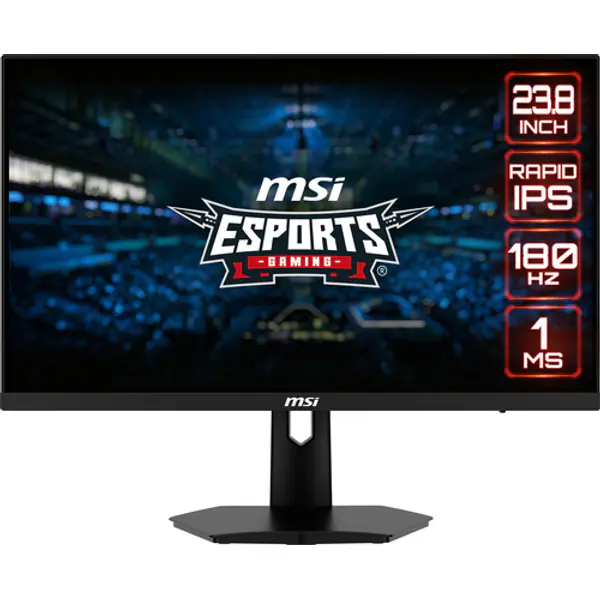
- MSIMSI G244F E2 24" FHD 180Hz IPS24 inch · 1920 x 1080 Buy now on Amazon