How to choose a graphics card
8 min read · Updated 2026-10-06
Match the GPU to your monitor
The graphics card does most of the work in games, so it should take the biggest share of a gaming budget, often 35–45%. Choose it by the resolution and refresh rate you play at.
- 1080p 60–144 Hz: RTX 5050 / RTX 4060 / RX 7600 / Arc B580.
- 1440p 144 Hz: RTX 5060 Ti 16GB / RX 9060 XT 16GB up to RTX 5070 / RX 9070.
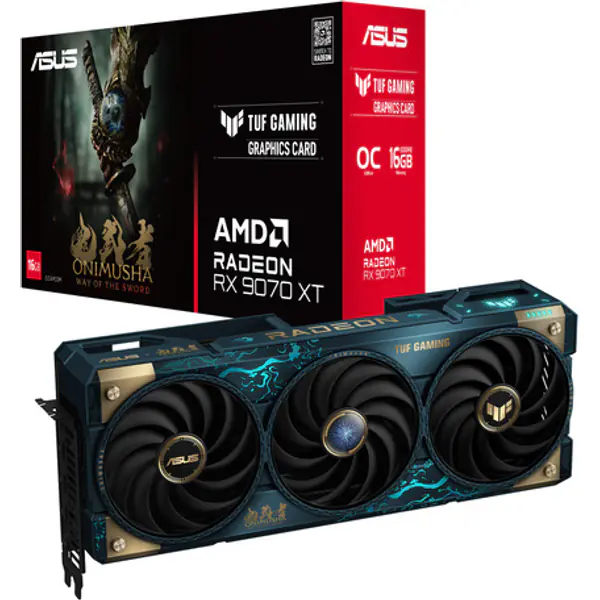
- 4K: RTX 5070 Ti / RX 9070 XT and up; RTX 5080 / 5090 for high refresh 4K.
How much VRAM?
8 GB still runs 1080p at sensible settings, but newer games with high-resolution textures fill it quickly. For a card you want to keep for several years, 12–16 GB is the safer choice, especially at 1440p and above.
NVIDIA, AMD or Intel?
- NVIDIA: best ray tracing and DLSS upscaling with frame generation; strong for streaming (NVENC) and AI/creative apps.
- AMD: usually more raw speed and memory for the money; FSR upscaling works on any card.
- Intel Arc: very good value at the entry level; enable Resizable BAR in the BIOS for full speed.
Check before you buy
- Length: compare the card length with the case's maximum GPU length.
- Power: use our PSU calculator; high-end cards may need a 12V-2x6 (16-pin) cable.
- CPU: a weak processor caps frame rates, especially at 1080p. Check with the bottleneck calculator.