How to choose a CPU for gaming and work
7 min read · Updated 2026-10-06
Start with what you do
For gaming, a modern 6-core processor is enough for almost every game, and an 8-core part gives headroom for streaming or background apps. Video editing, 3D rendering and code compiling scale with cores, so 12 to 16 cores pay off there.
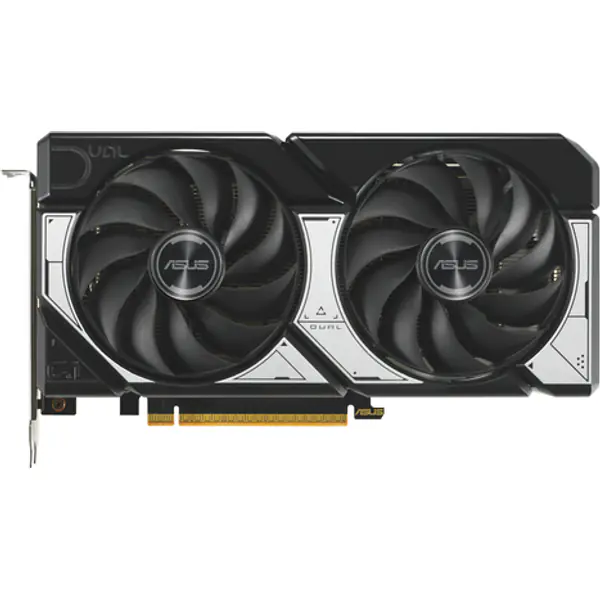
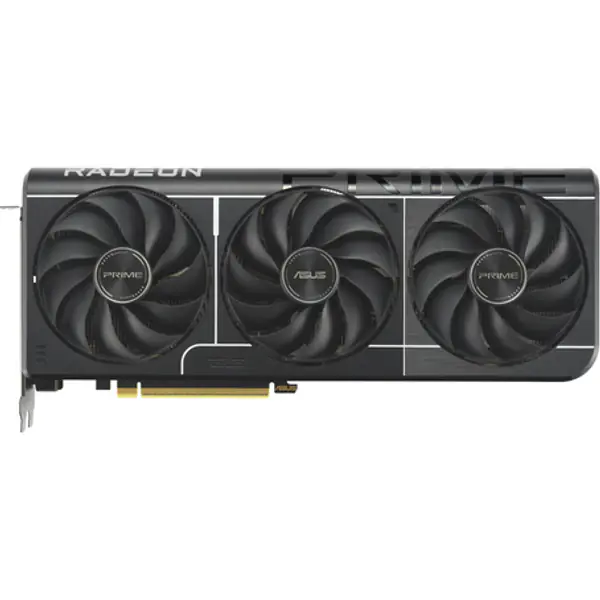
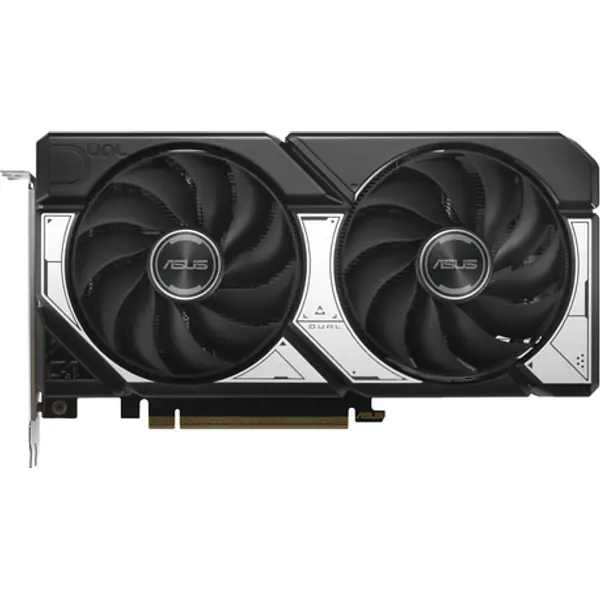
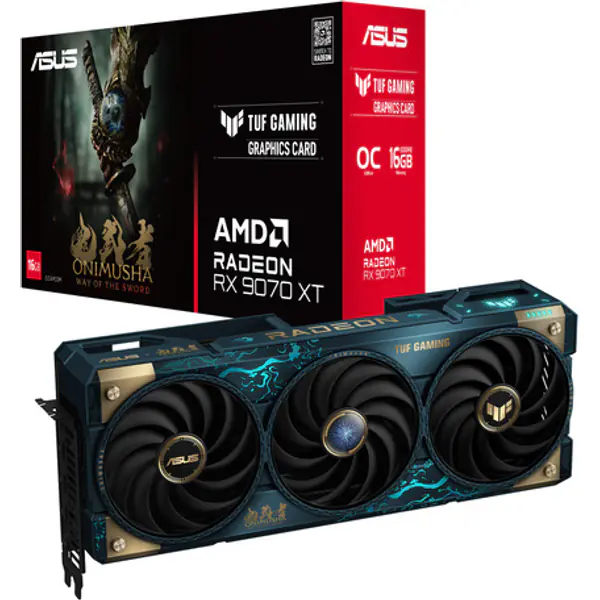
Buy the processor for the graphics card you will pair it with. A very fast GPU with a slow CPU wastes money; so does a top CPU with an entry-level GPU. Our bottleneck calculator shows the balance.
What the specs mean
- Cores and threads: more cores help multi-tasking and heavy work. Games mostly use 6–8 fast cores.
- Boost clock: higher is faster, but only compare clocks within the same generation.
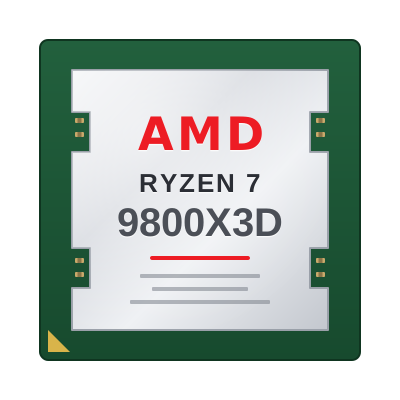
- Cache: AMD X3D chips stack extra L3 cache and are the fastest gaming CPUs; the cache keeps game data close to the cores.
- TDP: a guide to heat and power. 65 W parts run fine on a basic tower cooler; 125 W+ parts want a strong air cooler or a 240/360 mm AIO.
- Integrated graphics: Intel chips without an "F" and AMD "G" chips can run a display without a graphics card. Handy for troubleshooting and office PCs.
Sockets and platforms
AM5 (Ryzen 7000/8000/9000) uses DDR5 and AMD has promised support for future chips, so it is the best long-term platform. AM4 (Ryzen 5000) uses cheaper DDR4 and is the budget choice. LGA1700 (Intel 12th–14th gen) supports DDR4 or DDR5 depending on the board; LGA1851 (Core Ultra 200S) is DDR5 only.
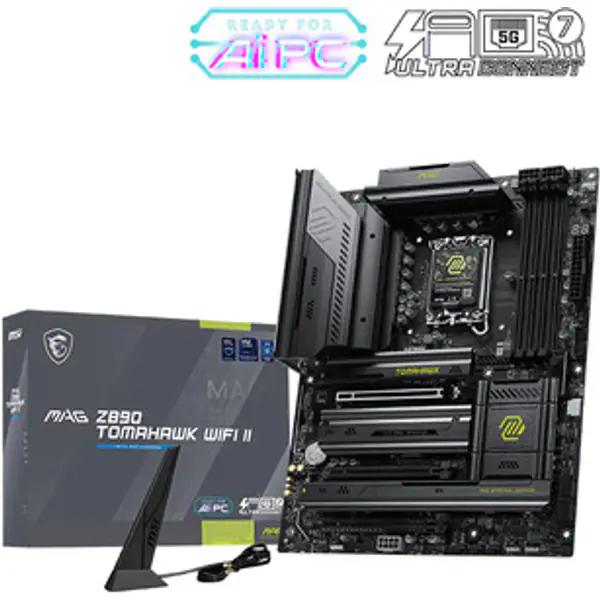
The motherboard must match the socket. The builder hides boards that do not fit your CPU.
Picks by budget
- Entry: Ryzen 5 5500 / Core i3-14100F — 1080p esports and light AAA.
- Mainstream: Ryzen 5 7600 / Core i5-14400F — smooth 1080p and 1440p with a mid-range GPU.
- High-end gaming: Ryzen 7 9800X3D / 7800X3D — the fastest for games.
- Work and play: Ryzen 9 9950X / Core i7-14700K — many cores for rendering and streaming.
Common mistakes
- Buying a "K" or "X" chip and pairing it with the cheapest cooler.
- Forgetting that an F-series Intel chip needs a graphics card to show anything.
- Pairing an older board with a new chip without checking BIOS support.