What you need
- A Phillips #2 screwdriver, ideally magnetic.
- A clear table and good light. Work on a hard surface, not carpet.
- Your parts list checked for fit. The PC builder checks socket, memory type, size and power as you pick.
- A USB stick of 16 GB or more for the Windows installer.
The build, in order
- Processor into the motherboard
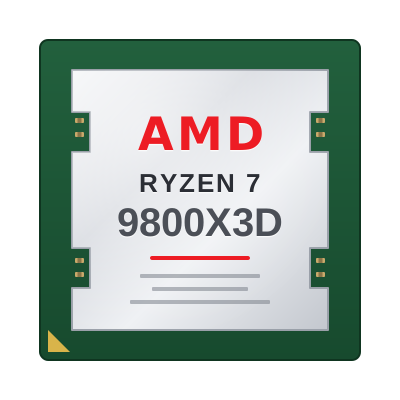
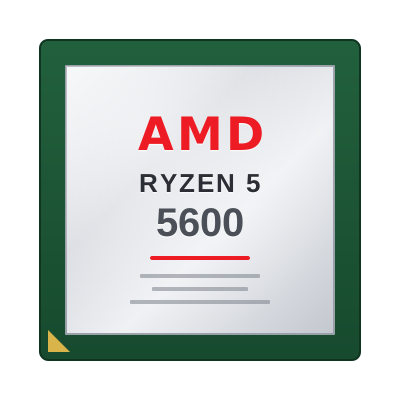
Lift the socket lever, line up the triangle on the chip with the one on the socket, and lower it straight in. Never press it. Close the lever.
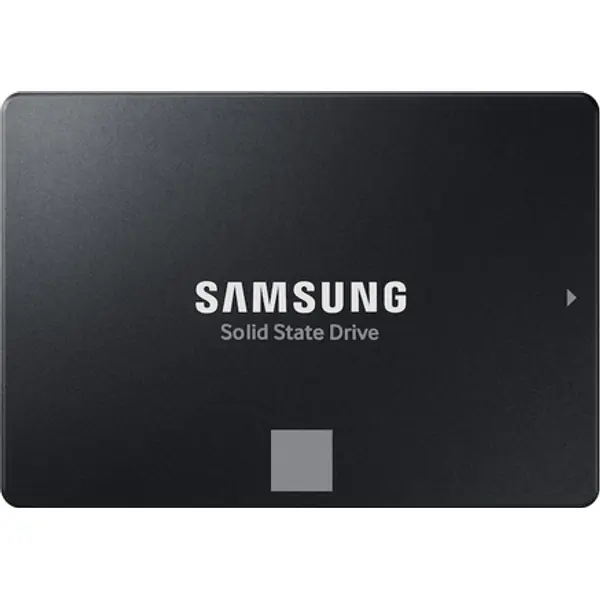
- M.2 SSD
Remove the heatsink over the M.2 slot if there is one, slide the SSD in at an angle, press it flat and fit the screw or latch. Peel the film off the heatsink pad.
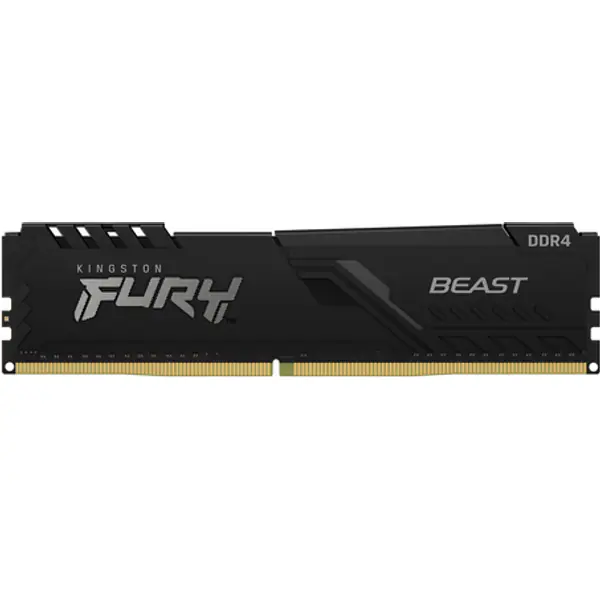
- Memory
With two sticks, use the slots the manual marks for two (usually A2 and B2, the second and fourth from the processor). Push until both clips click.
- CPU cooler
Most coolers come with paste already on. Remove the plastic film from the cooler base, fit the mounting kit and tighten screws in a cross pattern.
- Board into the case
Check the standoffs line up with the board holes, fit the I/O shield first if it is separate, then screw the board in.
- Power supply
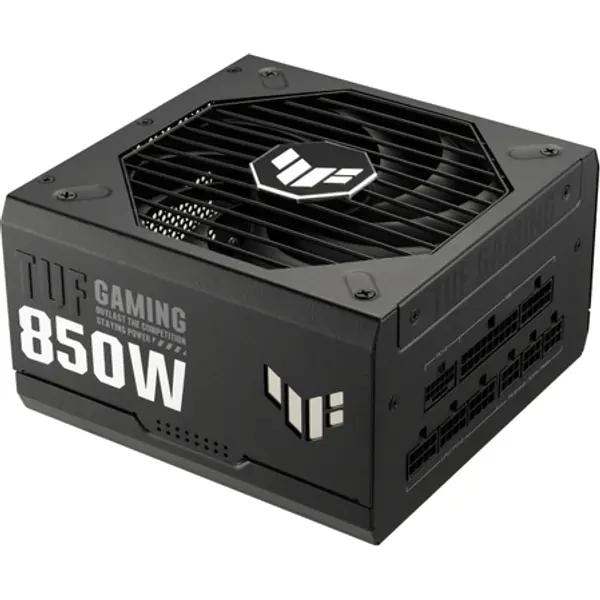
Fan facing down if the case has a bottom vent. Connect the 24-pin and the 8-pin CPU cable to the board before the graphics card goes in.
- Graphics card
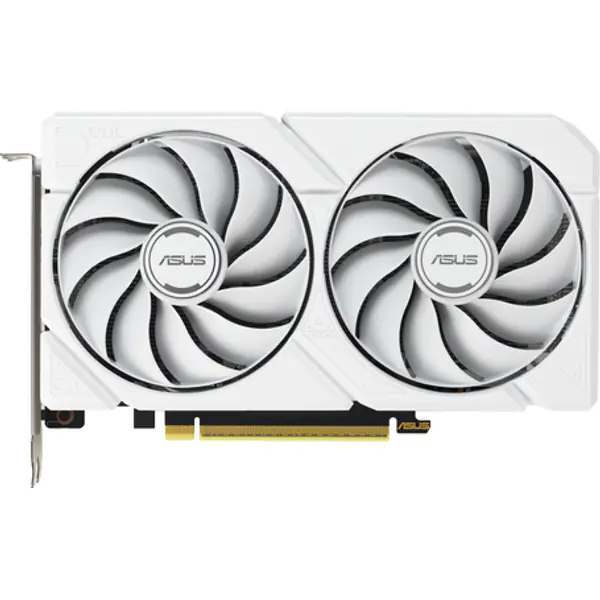
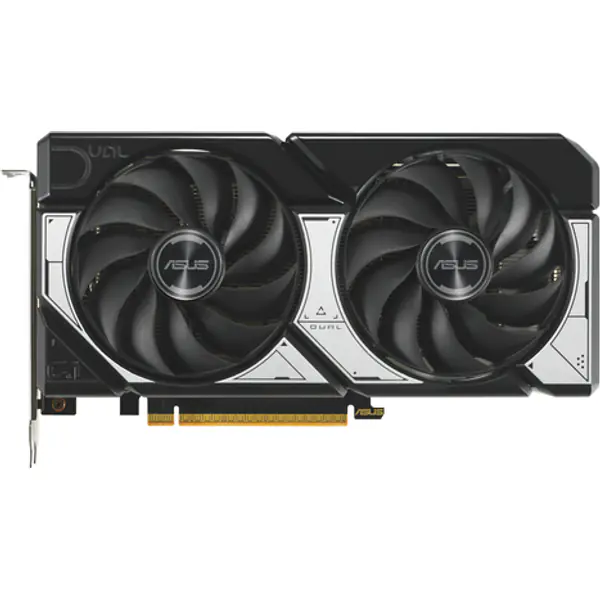
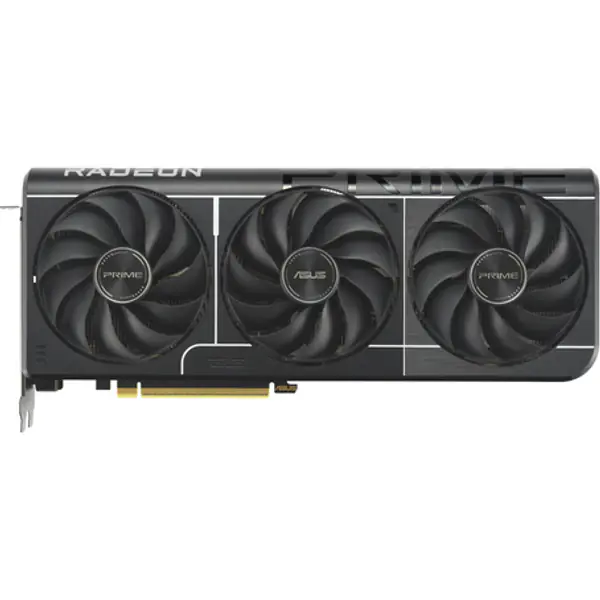
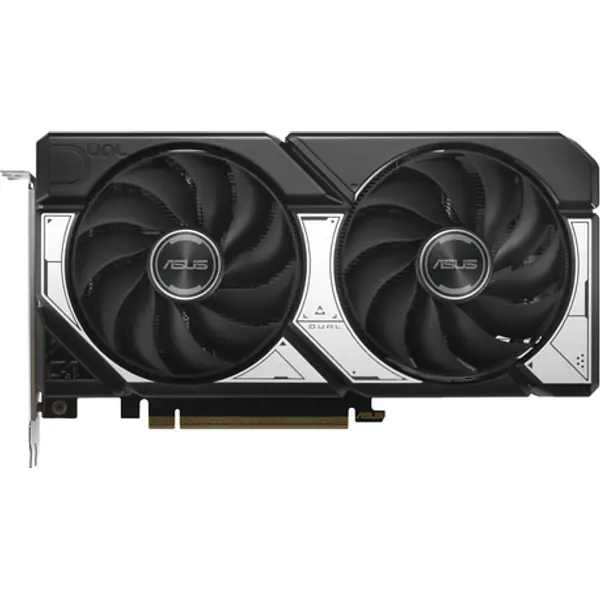
Remove the slot covers, push the card into the top long PCIe slot until it clicks, and screw it to the case. Use separate PCIe power cables for cards with two connectors.
- Front panel and fans
Connect power switch, USB and audio headers using the board manual. Case fans go on the fan headers or the case hub.
First boot and BIOS
- Plug the monitor into the graphics card, not the motherboard.
- In the BIOS, check the processor, memory and SSD all show up.
- Turn on EXPO (AMD) or XMP (Intel) so the memory runs at its rated speed.
- Install Windows from the USB stick, then the chipset and graphics drivers from AMD, Intel or NVIDIA.
FAQ
Is it hard to build a PC for the first time?
No. With the parts checked for compatibility and the motherboard manual open, a first build takes two to four hours. The steps are the same for every modern PC.
Do I need thermal paste?
Most coolers ship with paste already applied. Only add paste if the cooler base is bare or you are refitting it.
Which RAM slots should I use with two sticks?
Usually A2 and B2, the second and fourth slots from the processor. Your motherboard manual shows the exact slots.