The quick way
Add your parts to the PC builder. It checks every rule below as you pick, hides parts that do not fit, and works out the power you need. The rest of this post explains what it checks, so you can spot problems yourself.
The eight checks
- CPU socket
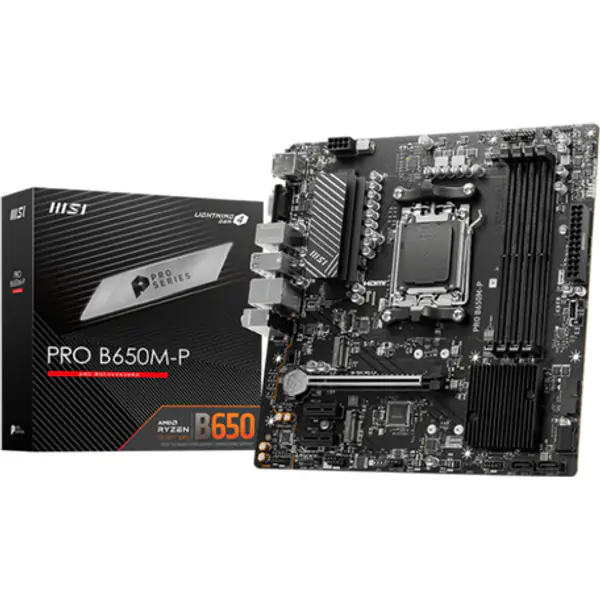
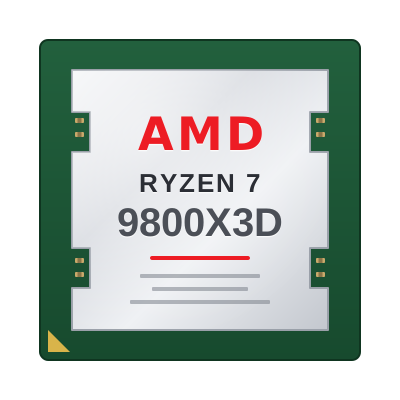
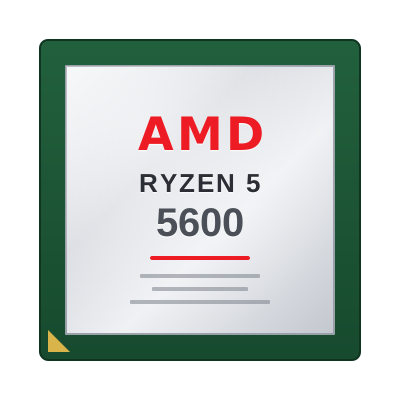
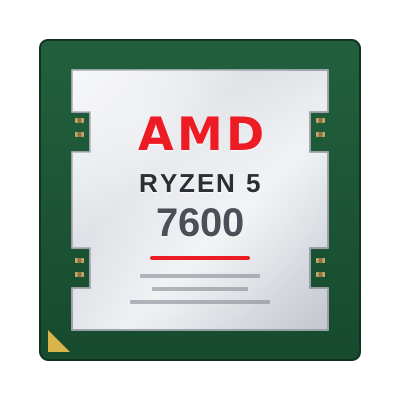
The processor and motherboard must share a socket: AM5, AM4, LGA1700 or LGA1851.
- BIOS support
An older board may need a BIOS update for a newer processor. Many boards can update without a CPU (BIOS Flashback); check before you buy.
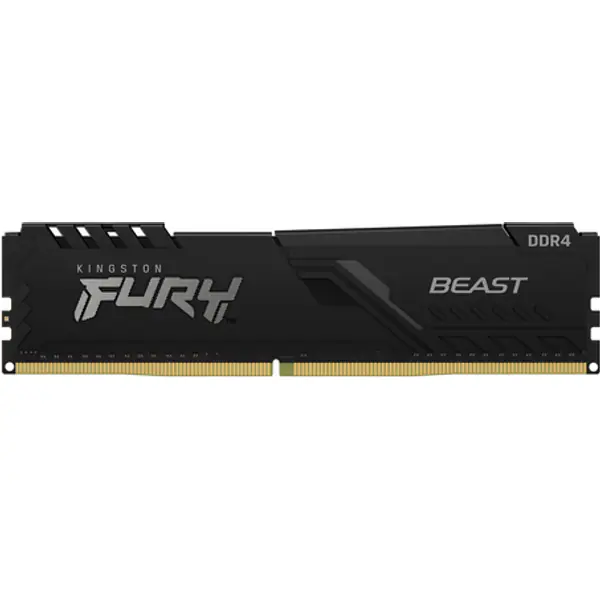
- Memory type
DDR4 and DDR5 do not fit each other's slots. The board decides which you need.
- Board size and case
ATX, Micro-ATX and Mini-ITX. A case lists the sizes it takes; a smaller board fits a bigger case, not the other way round.
- Graphics card length
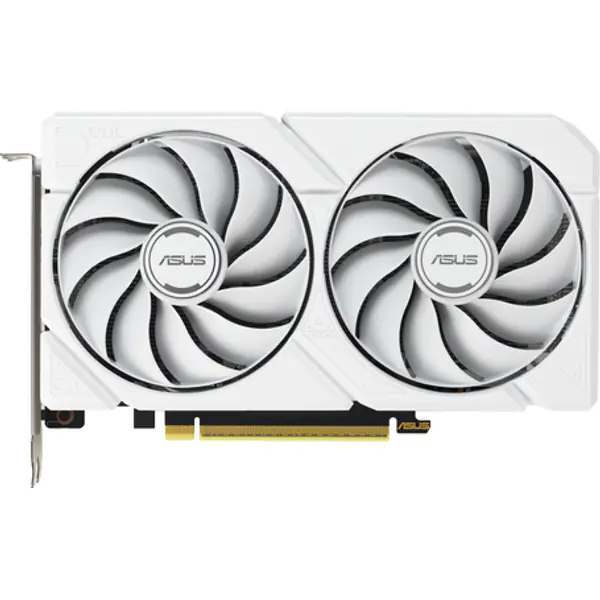
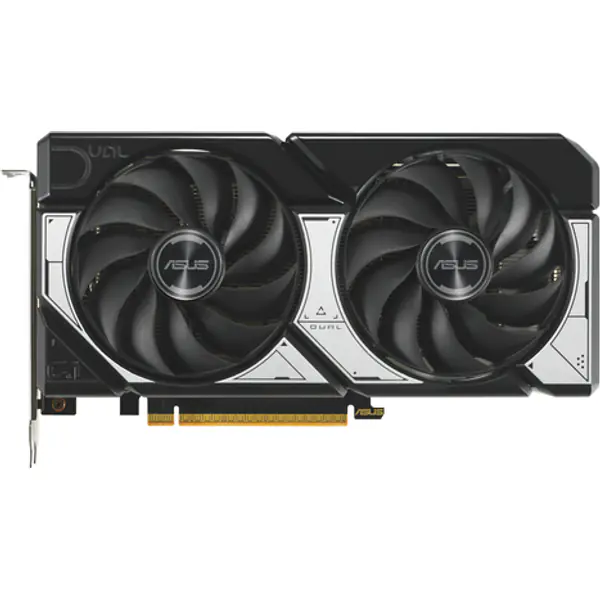
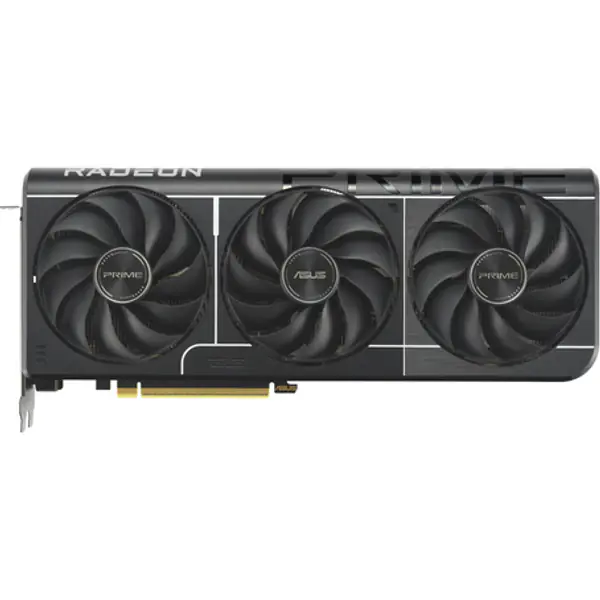
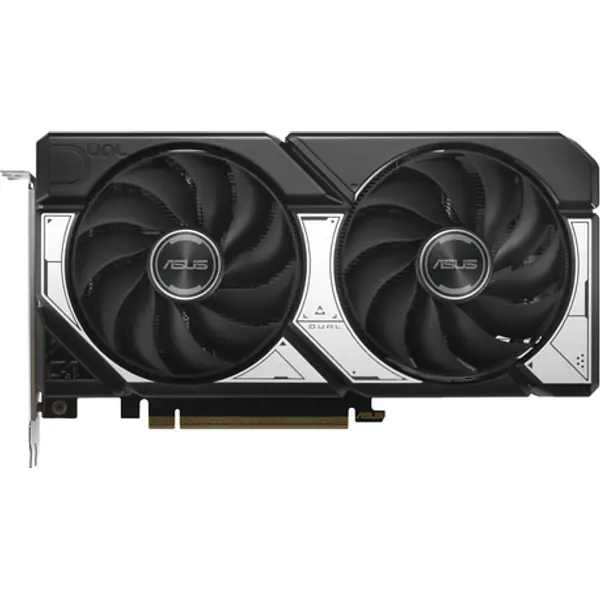
Compare the card length with the case's maximum GPU length, and leave room for front fans or a radiator.
- Cooler height
Tower coolers must be shorter than the case's CPU cooler limit. For an AIO, check the case supports that radiator size where you want it.
- Power and cables
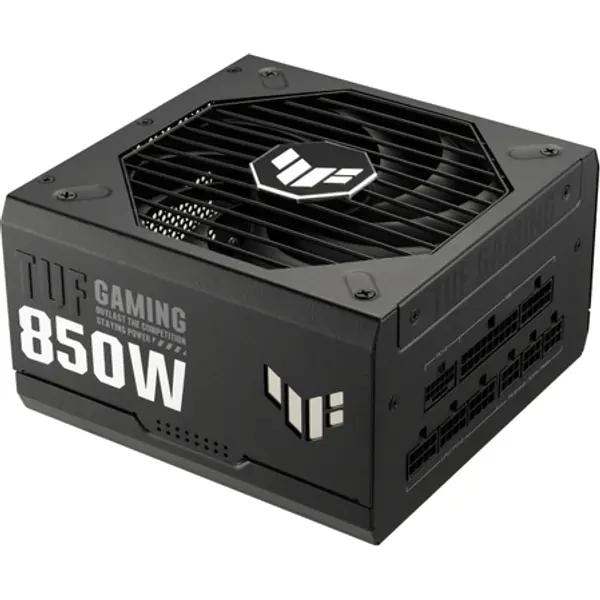
Enough wattage with headroom, and the right connectors: many new cards use the 16-pin 12V-2x6 plug. The PSU calculator gives the number.
- Storage slots
Count M.2 slots, and check the manual: on some boards an M.2 slot shares lanes with SATA ports or a PCIe slot.
FAQ
How do I know if my PC parts are compatible?
Check the CPU socket against the motherboard, the memory type, the board size against the case, GPU length and cooler height against the case, and the power supply wattage and cables. The PC builder checks all of these automatically.
Can I use DDR4 RAM on a DDR5 motherboard?
No. The slots are keyed differently. Each board takes one type only.
Will a new CPU work on my old motherboard?
Only if the socket matches and the board's BIOS supports that processor. You may need a BIOS update first.