Find what is holding you back
An upgrade only helps if it replaces the part that is actually slowing your games down. Enter your processor and graphics card in our upgrade advisor: it tells you which one limits you and what to buy instead. Then check your favourite games in Can I run it?
The usual order
- An SSD, if you still boot from a hard drive
The cheapest upgrade with the biggest everyday effect: Windows and games load in seconds. See our SSD picks.
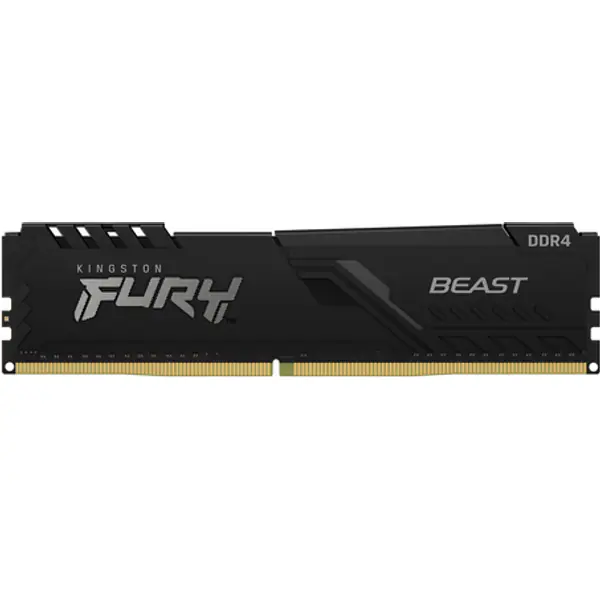
- RAM to 16 GB, in two sticks
Games stutter on 8 GB. Two matching sticks also run in dual channel, which is faster than one. Check your board's memory type (DDR4 or DDR5) first.
- The graphics card
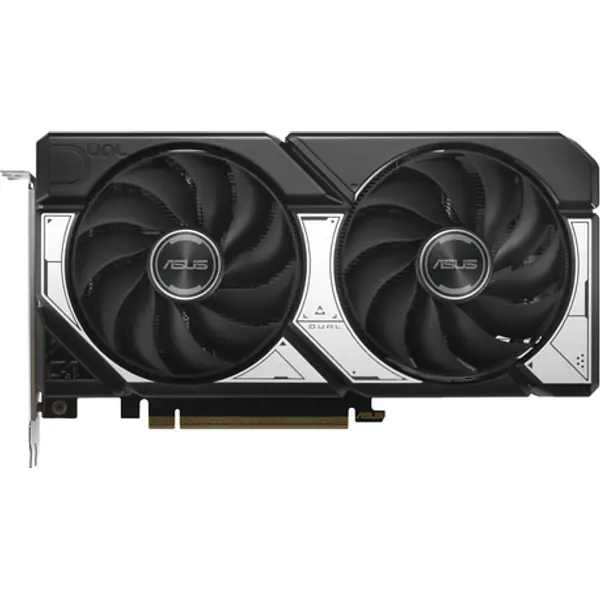
The biggest jump in frame rate. Most older processors from the last five or six years can drive a mid-range card like the RTX 5060 or RX 9060 XT well at 1080p.
- The processor last
Often it means a new board and memory too, so it costs the most. On AM4, a Ryzen 5 5600X or Ryzen 7 5700X3D drops straight into many older boards after a BIOS update.
Graphics cards worth upgrading to
For a 1080p screen these give the most for the money today. Check the card fits your case and that your power supply has enough watts with the PSU calculator.
Upgrade picks
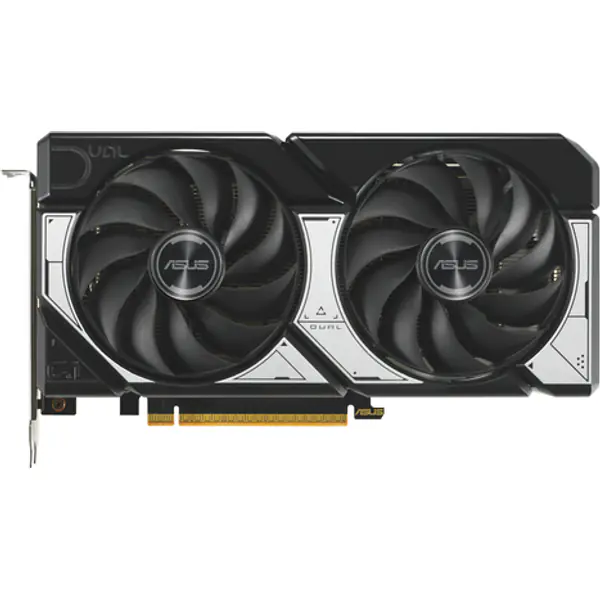
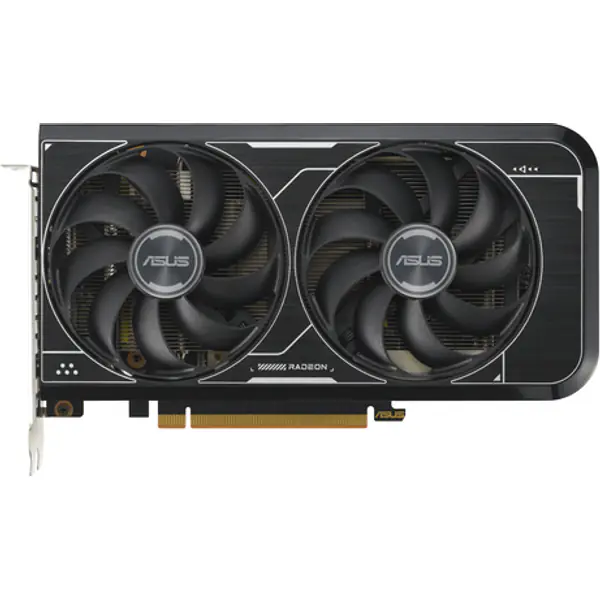
- ASUS ASUS DUAL-RX6600-8G-V3 Radeon RX 6600 8 GB Graphics Card 8 GB GDDR6 · 2.49 GHz boost ≈ ₹57,400 Buy now on Amazon
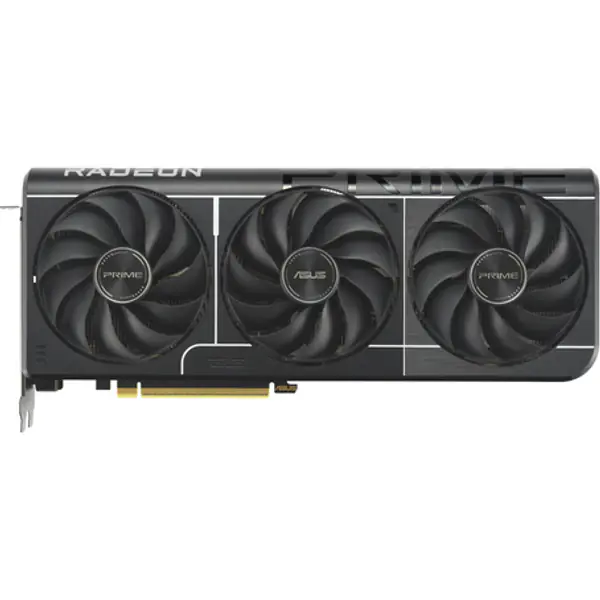
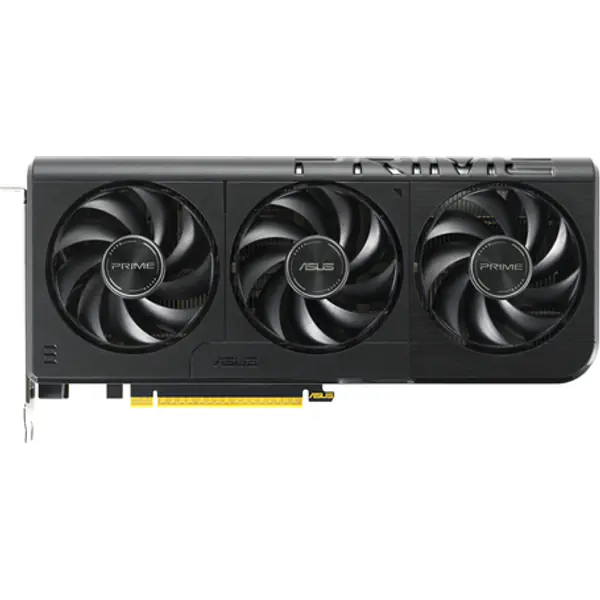
- ASUS ASUS PRIME-RTX5060-O8G GeForce RTX 5060 8 GB Graphics Card 8 GB GDDR7 · 2.56 GHz boost ≈ ₹70,900 Buy now on Amazon
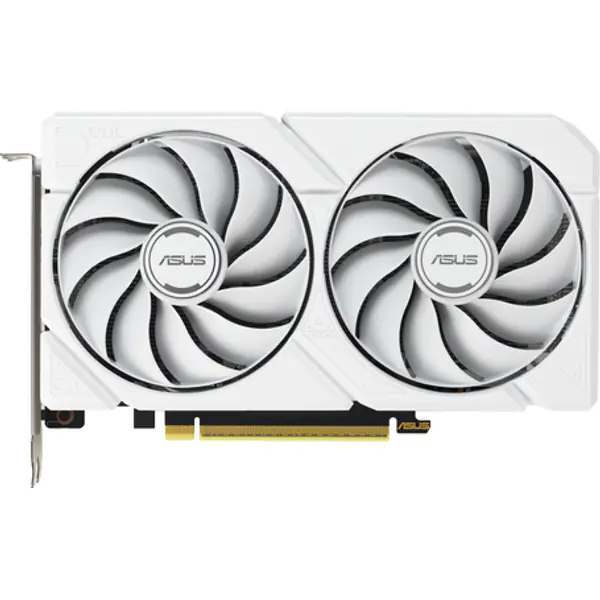
- ASUS ASUS DUAL-RX9060XT-16G-WHITE Radeon RX 9060 XT 16 GB Graphics Card 16 GB GDDR6 · 202 mm long ≈ ₹71,100 Buy now on Amazon
When a new PC makes more sense
If your processor is more than eight years old, the board has no M.2 slot and the power supply is small, upgrading piece by piece can cost nearly as much as a new PC. Compare with a complete list for your budget in the budget planner.
FAQ
Should I upgrade the CPU or GPU first?
Usually the graphics card: it has the biggest effect on frame rate. Upgrade the processor first only if the bottleneck calculator shows it holding back your current card.
Will a new graphics card fit my old PC?
Check three things: the card's length against your case, a free PCIe x16 slot, and that your power supply has enough watts and the right power connectors.
Is it worth upgrading an old PC?
If the processor is from the last five or six years, a graphics card and an SSD give a big jump for little money. Much older systems are often better replaced.