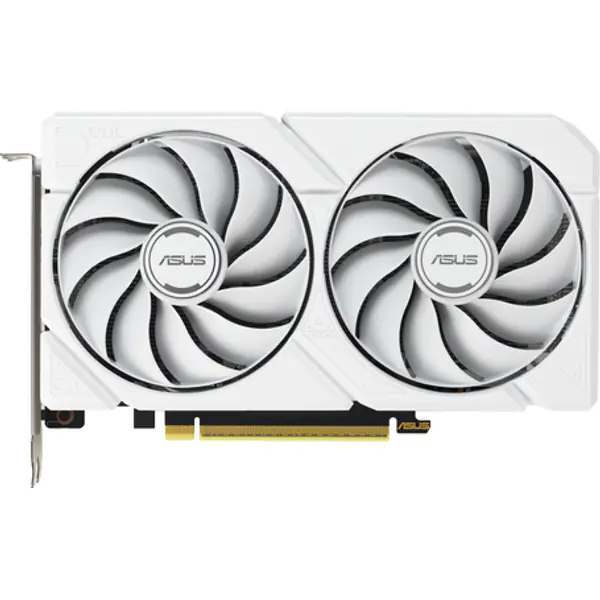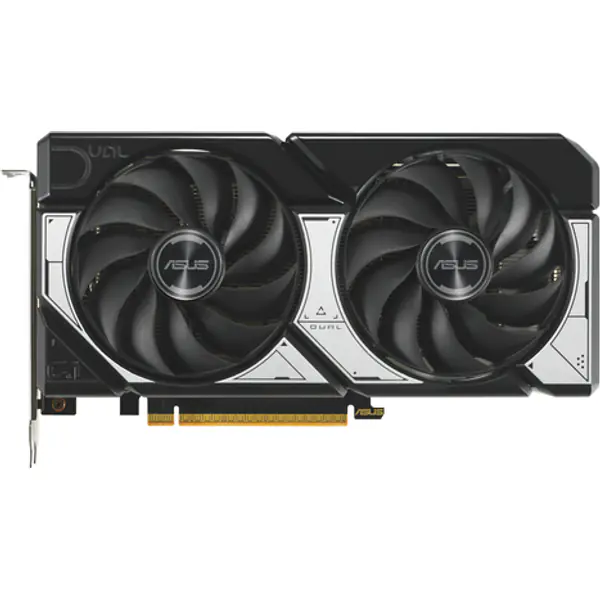
Match the monitor to your graphics card
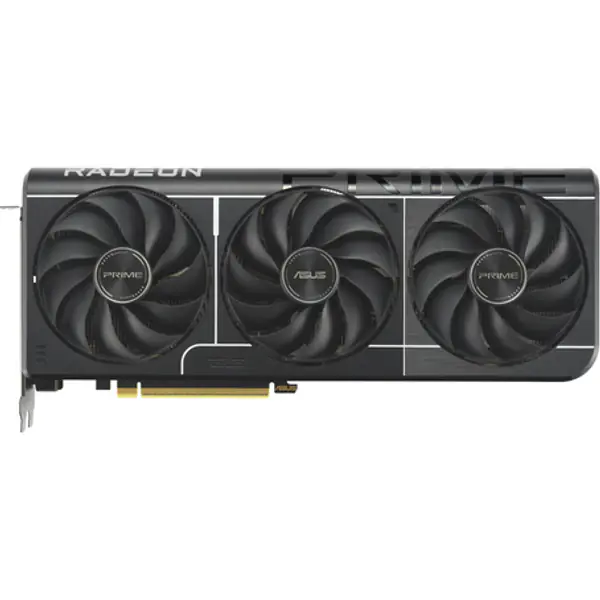
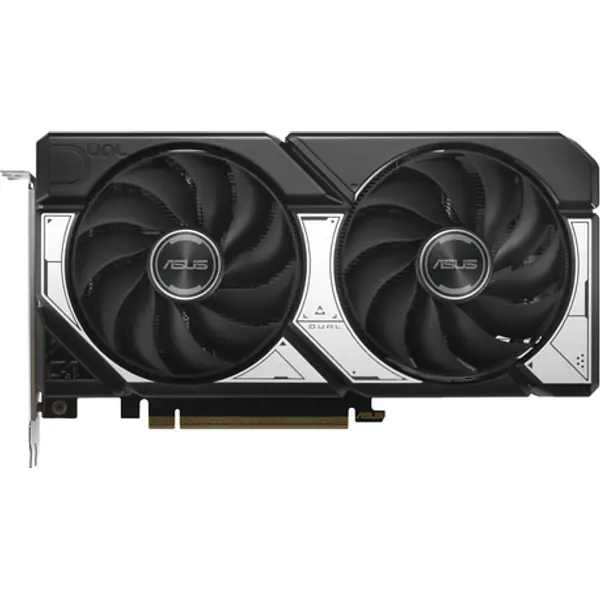
A monitor only looks fast if the PC can feed it. Entry and mid-range cards (RTX 5060, RX 9060 XT class) are at home at 1080p with 144 to 180 Hz. Cards a step up handle 1440p at high refresh. The FPS calculator shows what your card does in the games you play.
1080p or 1440p?
- 24-inch 1080p, 144–180 Hz: the budget sweet spot, sharp enough at that size and easy to drive.
- 27-inch 1440p, 144–180 Hz: the best upgrade for most gamers; far sharper text and games at 27 inches.
- 4K: for strong graphics cards, or for work and console use.
Panel types
- IPS: accurate colours and wide viewing angles. The safe default.
- VA: deeper blacks, often curved, a little more smearing in dark fast scenes.
- OLED: perfect blacks and the fastest response, at a higher price. Avoid leaving static images on screen for hours.
Popular monitors
1080p, 144 Hz and up
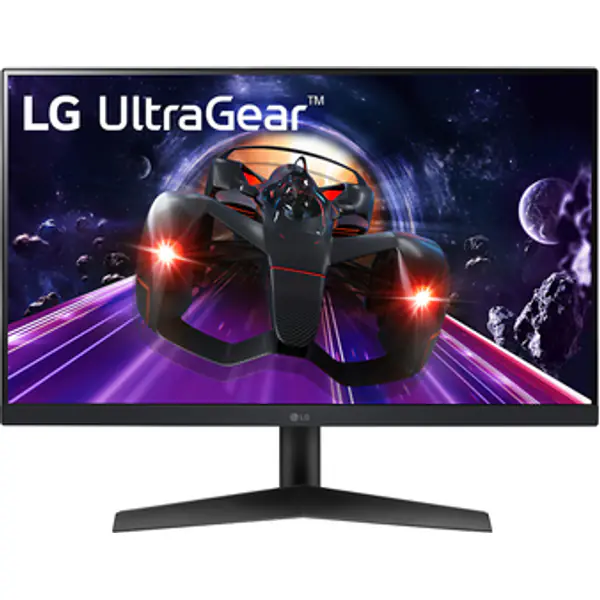
- LG LG 24GS60F 24" FHD 180Hz IPS 24 inch · 1920 x 1080 ≈ ₹12,800 Buy now on Amazon
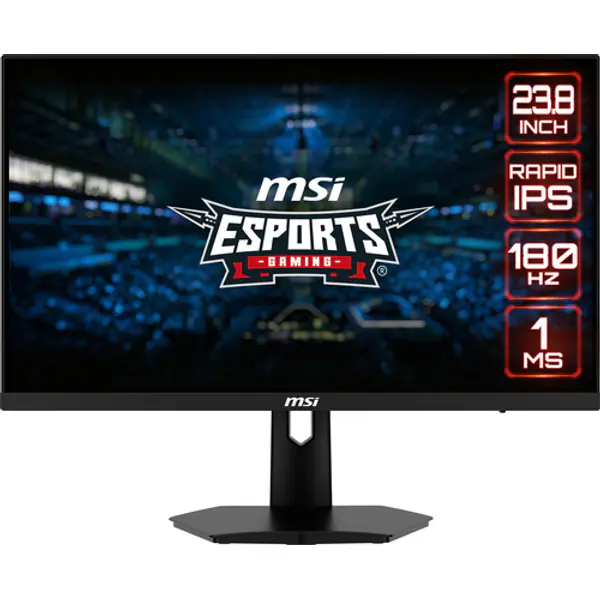
- MSI MSI G244F E2 24" FHD 180Hz IPS 24 inch · 1920 x 1080 ≈ ₹12,800 Buy now on Amazon
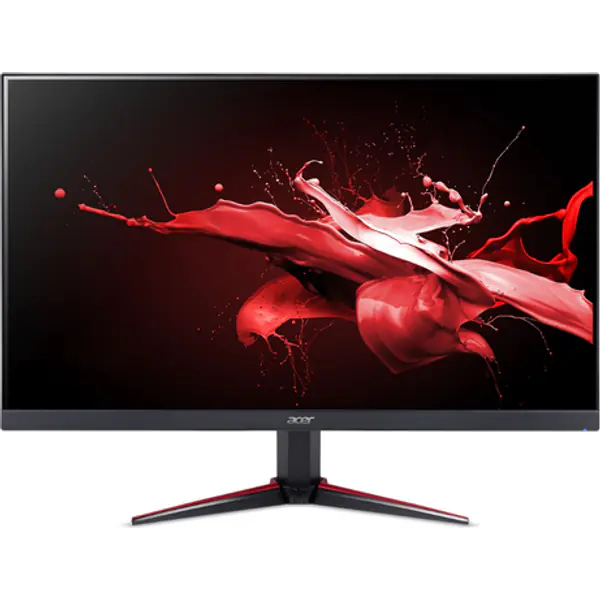
- Acer Acer Nitro VG240Y M3 24" FHD 180Hz IPS 24 inch · 1920 x 1080 ≈ ₹12,800 Buy now on Amazon
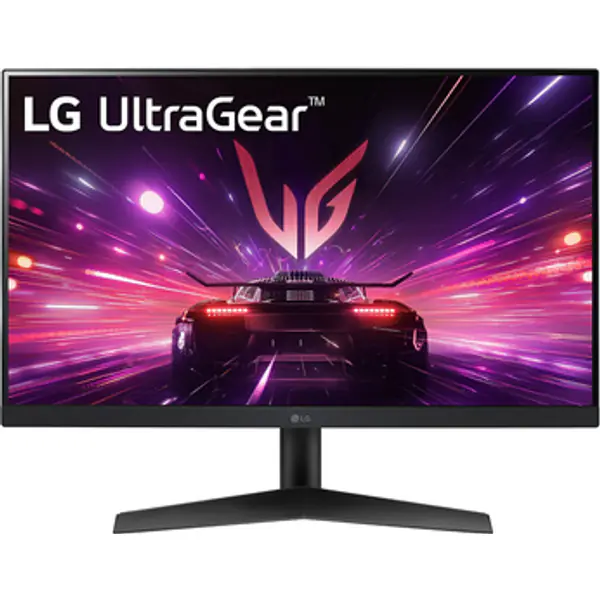
- LG LG 24GN60R-B 24" 1080p 144Hz IPS Gaming Monitor 24 inch · 1920 x 1080 ≈ ₹16,200 Buy now on Amazon
1440p, 144 Hz and up
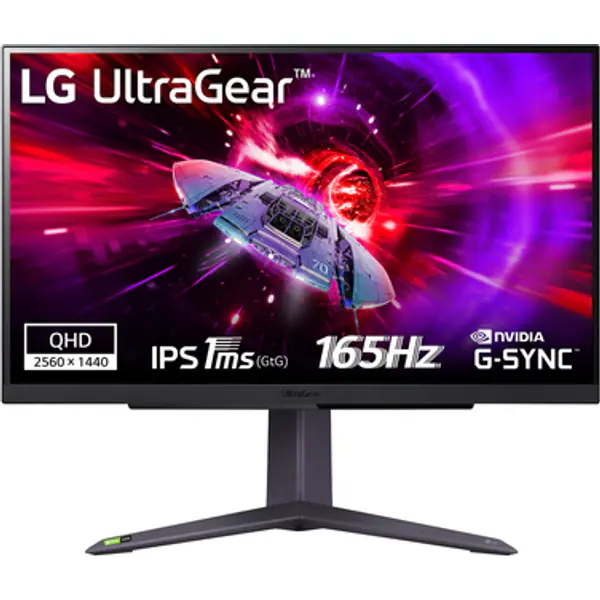
- LG LG 27GR75Q 27" QHD 165Hz IPS 27 inch · 2560 x 1440 ≈ ₹41,200 Buy now on Amazon
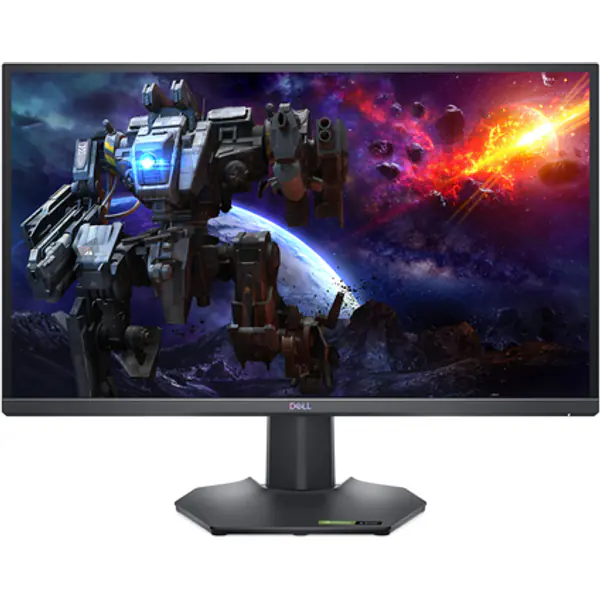
- Dell Dell G2724D 27" QHD 165Hz IPS 27 inch · 2560 x 1440 ≈ ₹34,300 Buy now on Amazon
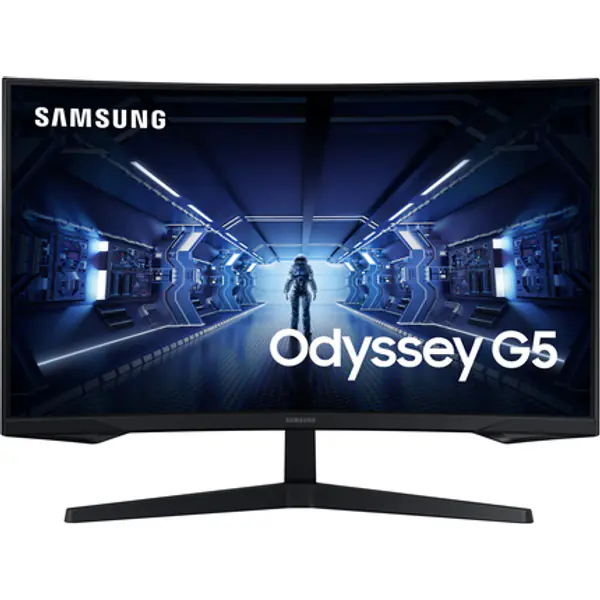
- Samsung Samsung Odyssey G5 27" QHD 165Hz VA 27 inch · 2560 x 1440 ≈ ₹34,300 Buy now on Amazon
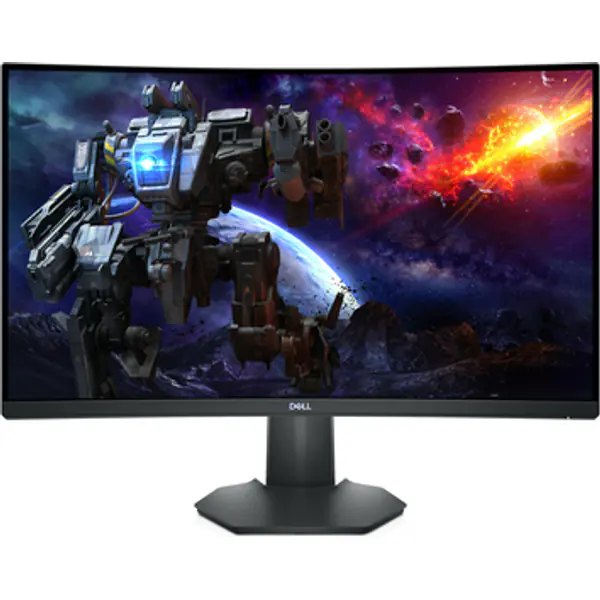
- Dell Dell S2722DGM 27" 1440p 165Hz Curved Gaming Monitor 27 inch · 2560 x 1440 ≈ ₹34,300 Buy now on Amazon
FAQ
Is 1080p 144Hz still good for gaming in 2026?
Yes, on a 24-inch screen with an entry or mid-range graphics card. It is easy to drive at high frame rates.
Is 1440p worth it over 1080p?
At 27 inches, yes, if your graphics card can run games at 1440p. Text and games look much sharper.
IPS or VA for gaming?
IPS for colour accuracy and fast motion; VA for deeper blacks and contrast, usually for less money.