Docking Station · Axagon
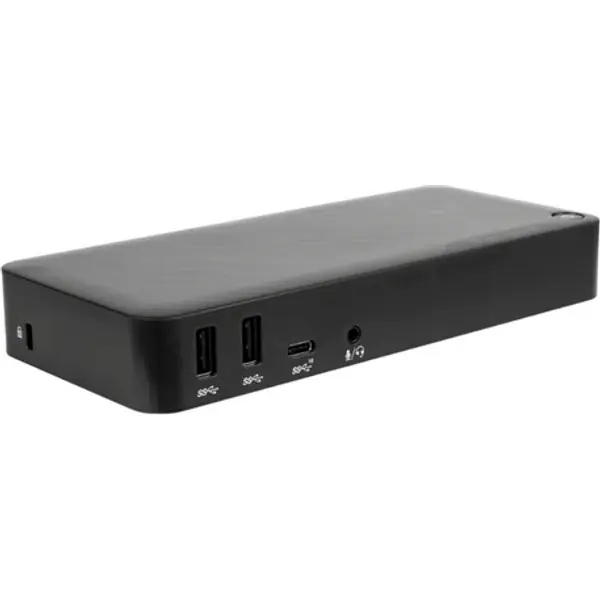
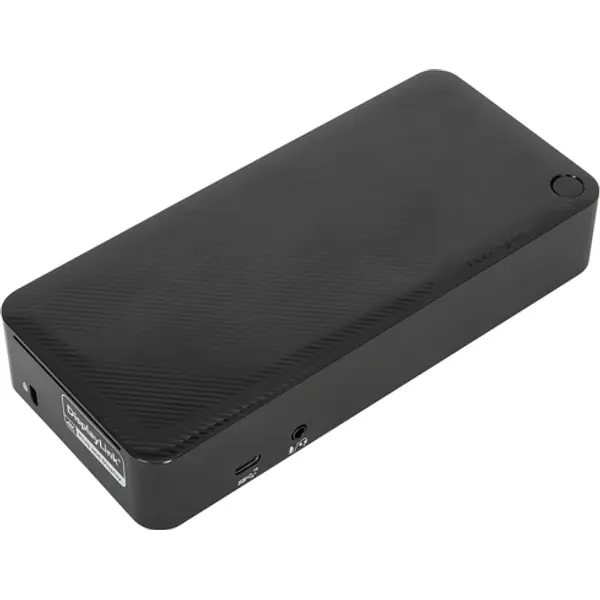
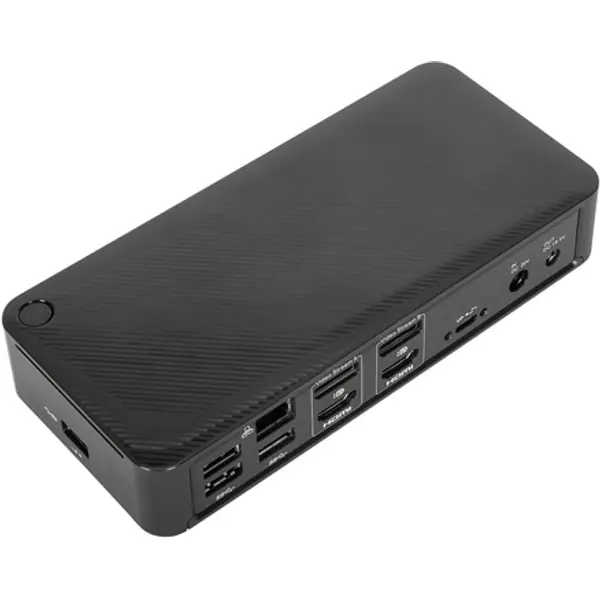
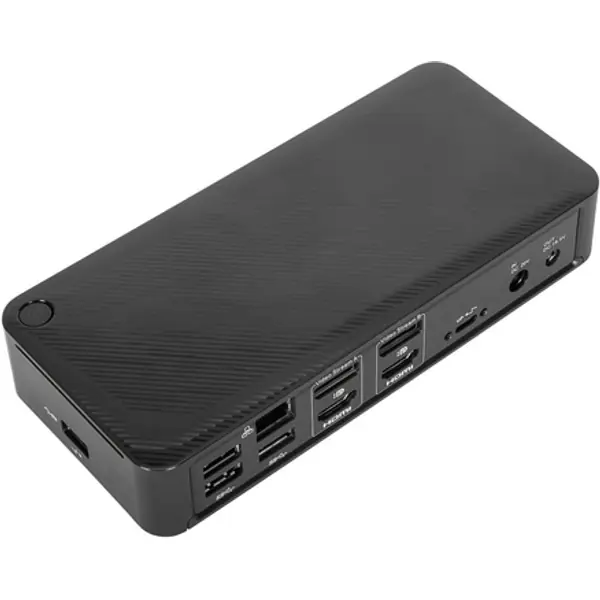
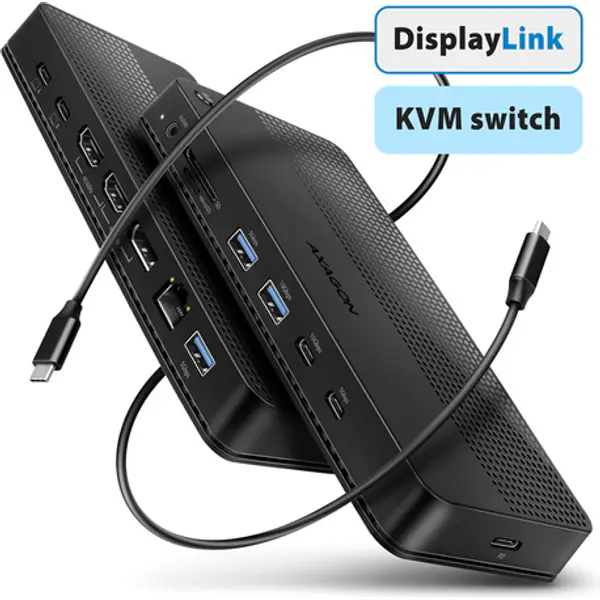
Axagon HMC-DL-KVM USB-C 10Gbps DisplayLink KVM docking station for two 4K monitors and computers
- Connection
- USB-C
- Released
- 2026
USB-C
See today's price, delivery and offers at the store.
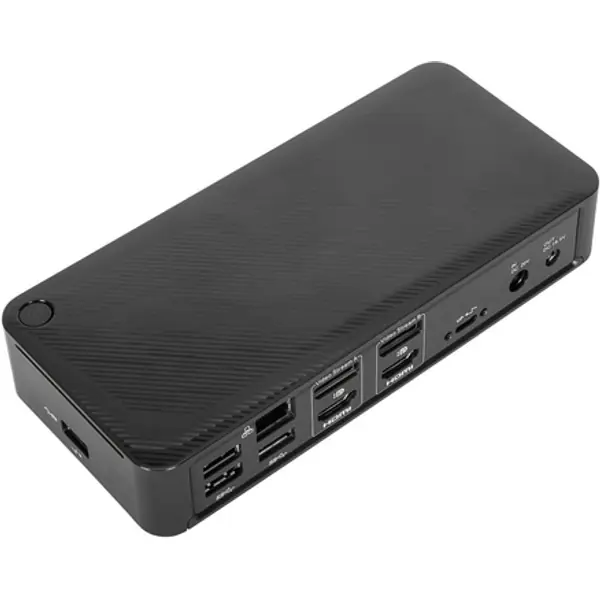
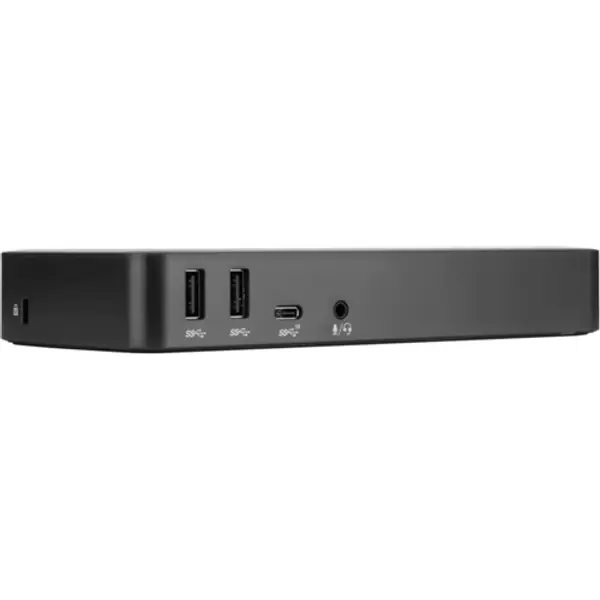
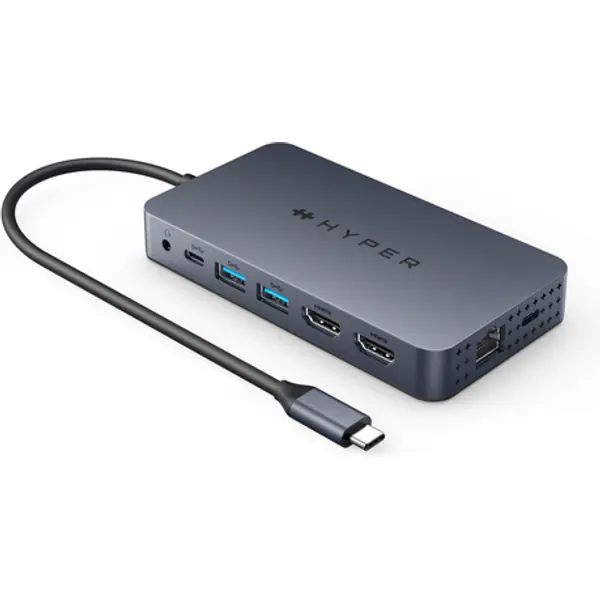
Targus HyperDrive is a USB-C docking station. Check that your laptop's USB-C port supports video before you buy. It came out in 2023.
Check the manufacturer's page before buying.
Meet the newest way we’re extending M1/M2 MacBook connectivity. With the Dual 4K HDMI 10-in-1 USB-C Hub, you can extend to 2 displays at 4K video while getting access to 10 essential ports, including USB-C, HDMI, USB-A, and many more. Enjoy transferring photos in a flash, quick charging your device, and extending to 2 HDMI displays, all without having to download cumbersome drivers. And, it’s fully compatible with MacBook Air/Pro (M1/M2 & Intel powered) devices, Windows PC devices as well as Chromebook devices. Extend Two 4K Displays Give your M1/M2 MacBook, PC or Chromebook the ability to connect to 2 extended monitors with crystal clear 4K HDMI video. Easy Driverless Setup In just a few seconds, connect the hub to your device via USB and you’ll immediately see the HyperDisplay App icon on your desktop. Just double-click it, and you’re ready to go. Enjoy 10 Essential Ports Seamlessly transform your M1/M2 MacBook into a powerhouse workspace with 4K 60Hz and 4K 30Hz HDMI video ports, a USB-C 100W Power Delivery port, MicroSD/SD slots, two USB-A 5Gbps ports, a 3.5mm audio combo jack for headphones, and more.
| Targus HyperDrive | Targus DOCK182 Docking Station | Targus DOCK182USZ Docking Station | Targus DOCK429GL Docking Station | |
|---|---|---|---|---|
| Connection | USB-C | USB-C | USB-C | USB-C |
| Released | 2023 | 2026 | 2026 | 2025 |
USB-C.
It connects over USB-C.
It was released in 2023/03 (Targus).
Axagon HMC-DL-KVM USB-C 10Gbps DisplayLink KVM docking station for two 4K monitors and computers
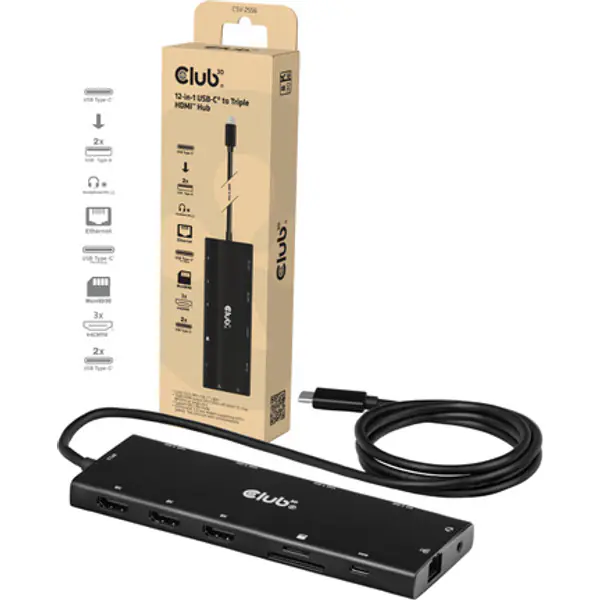
CLUB3D 12-in-1 USB-C to Triple HDMI Hub DP2.1 PD3.0 100W 1m/3.28ft
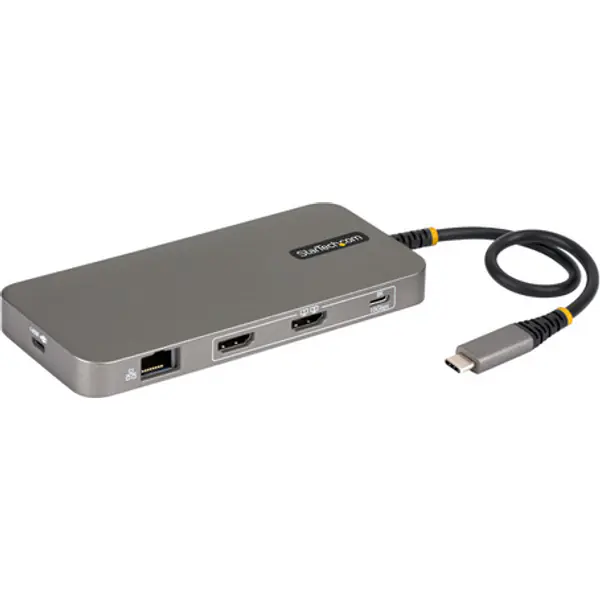
StarTech.com USB4 Multiport Hub, Driverless Dual-HDMI 4K for macOS and Windows
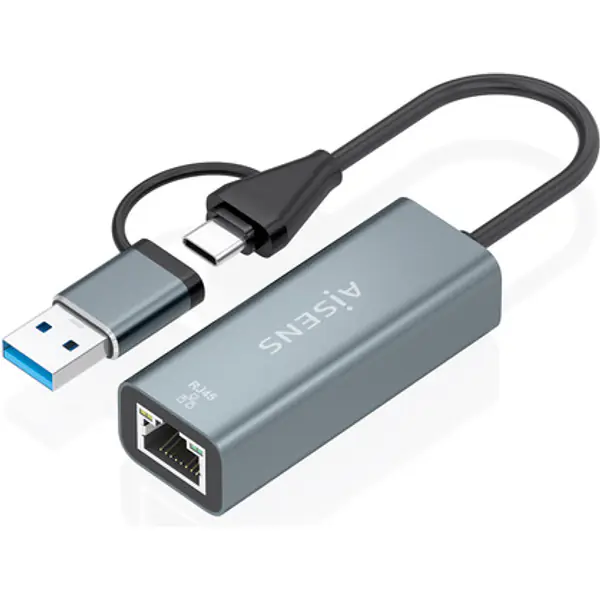
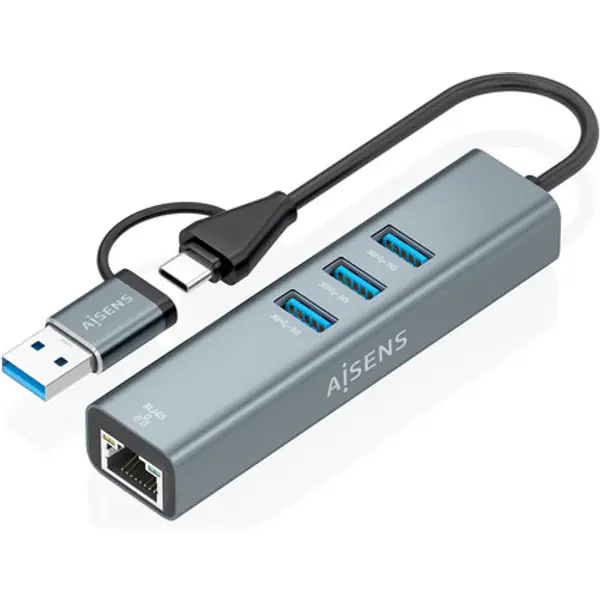
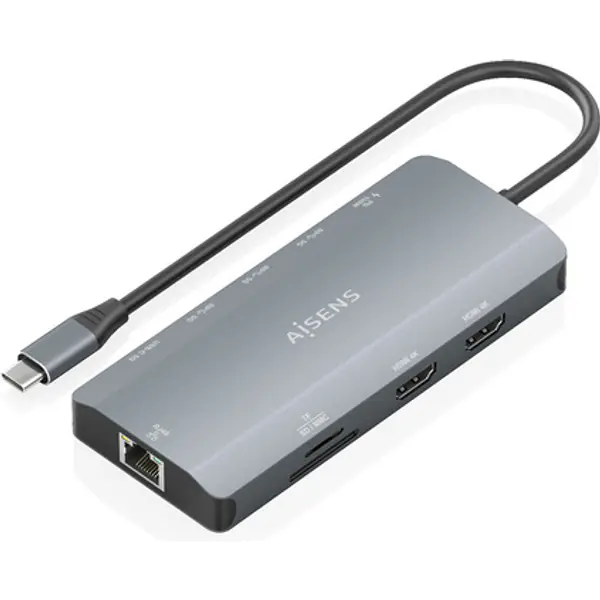
AISENS ASUC-10P052-GR Docking Station
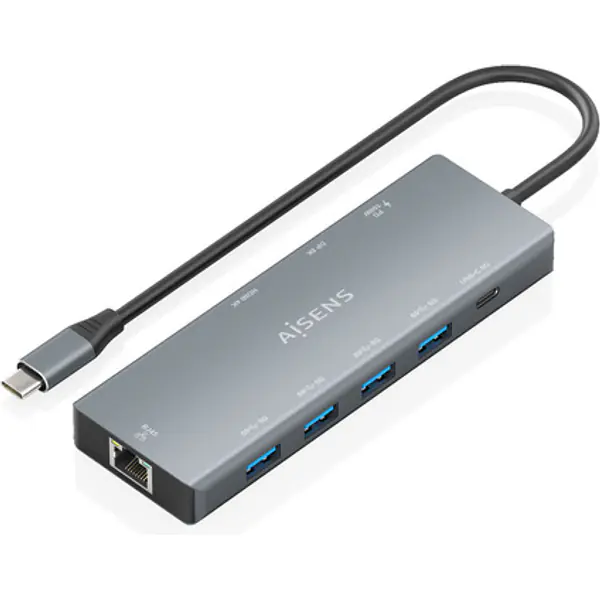
AISENS ASUC-9P051-GR Docking Station
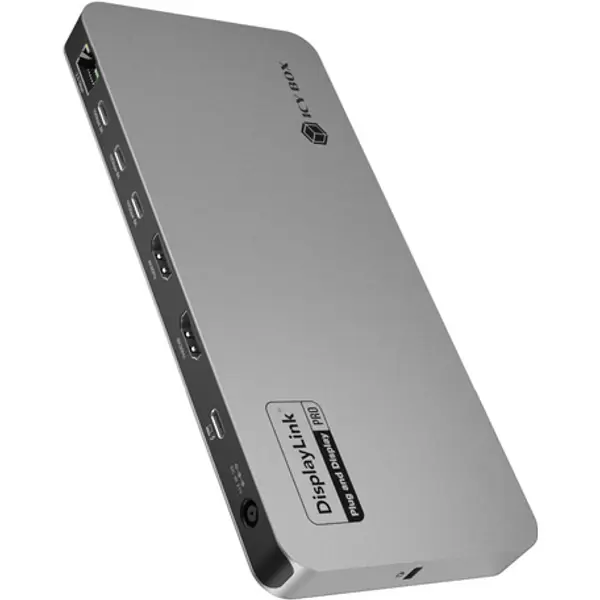
ICY BOX Diamond Dock 7402 (12-in-1, 5 Displays)
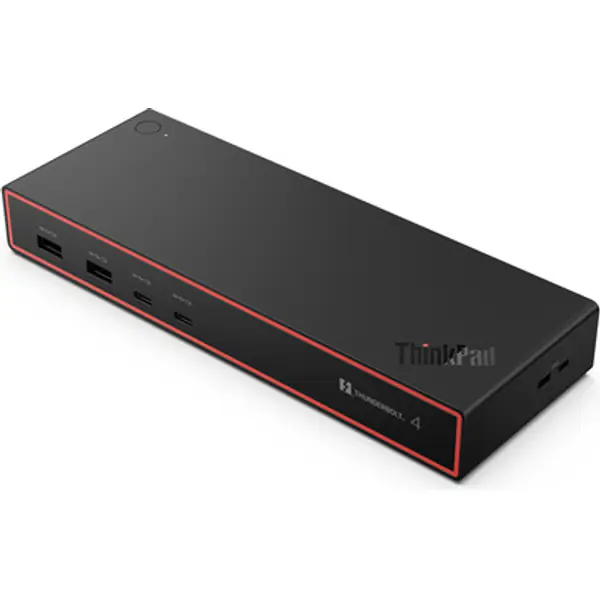
Lenovo 40BG0135UK Docking Station
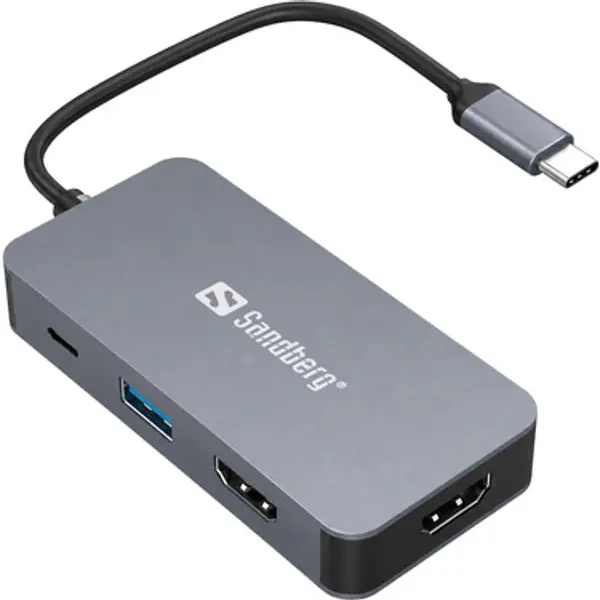
Sandberg USB-C Dual HDMI Dock 7in1