
DOOM: The Dark Ages system requirements: can your PC run it?
2025 · Action · id Software
The developer recommends AMD Zen 3 or Intel 12th Generation CPU @3.2Ghz with 8 cores / 16 threads or better (examples: AMD Ryzen 7 5700X or better, or Intel Core i7 12700K or better), NVIDIA or AMD hardware Raytracing-capable GPU with 10GB dedicated VRAM or better (examples: NVIDIA RTX 3080 or better, AMD RX 6800 or better), 32 GB of RAM.
The minimum is AMD Zen 2 or Intel 10th Generation CPU @3.2Ghz with 8 cores / 16 threads or better (examples: AMD Ryzen 7 3700X or better, or Intel Core i7 10700K or better), NVIDIA or AMD hardware Raytracing-capable GPU with 8GB dedicated VRAM or better (examples: NVIDIA RTX 2060 SUPER or better, AMD RX 6600 or better), 16 GB of RAM, with 100 GB of free disk space.
These are the official requirements from the game's store page.
Official requirements
| Minimum | Recommended | |
|---|---|---|
| Processor | AMD Zen 2 or Intel 10th Generation CPU @3.2Ghz with 8 cores / 16 threads or better (examples: AMD Ryzen 7 3700X or better, or Intel Core i7 10700K or better) | AMD Zen 3 or Intel 12th Generation CPU @3.2Ghz with 8 cores / 16 threads or better (examples: AMD Ryzen 7 5700X or better, or Intel Core i7 12700K or better) |
| Graphics | NVIDIA or AMD hardware Raytracing-capable GPU with 8GB dedicated VRAM or better (examples: NVIDIA RTX 2060 SUPER or better, AMD RX 6600 or better) | NVIDIA or AMD hardware Raytracing-capable GPU with 10GB dedicated VRAM or better (examples: NVIDIA RTX 3080 or better, AMD RX 6800 or better) |
| Memory | 16 GB | 32 GB |
| Storage | 100 GB | 100 GB |
| OS | Windows 10 64-Bit / Windows 11 64-Bit | Windows 10 64-Bit / Windows 11 64-Bit |
| Notes | 1080p / 60 FPS / Low Quality Settings, NVME SSD storage required | 1440p / 60 FPS / High Quality Settings, NVME SSD storage required |
Source: Steam store page, checked 2026-11-01.
Parts that run DOOM: The Dark Ages well
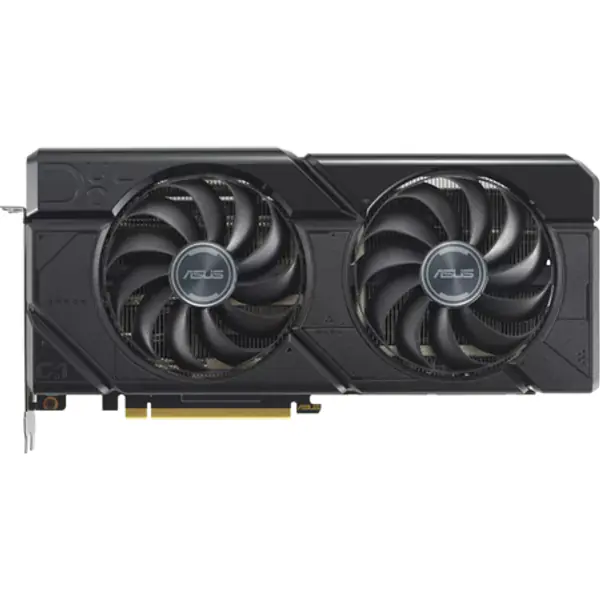
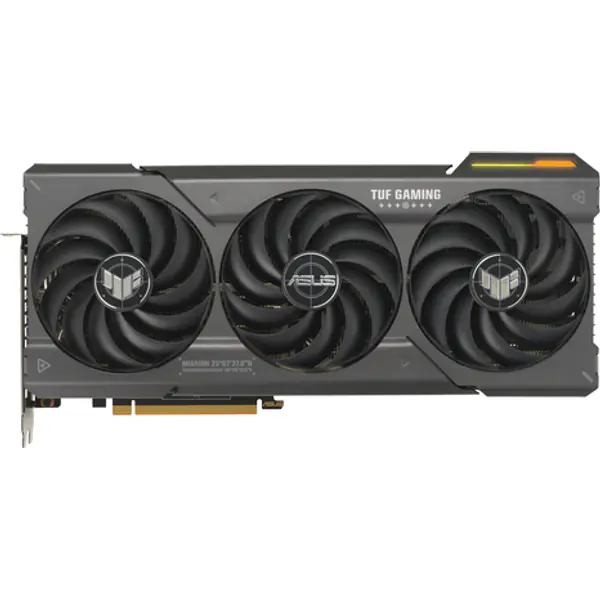
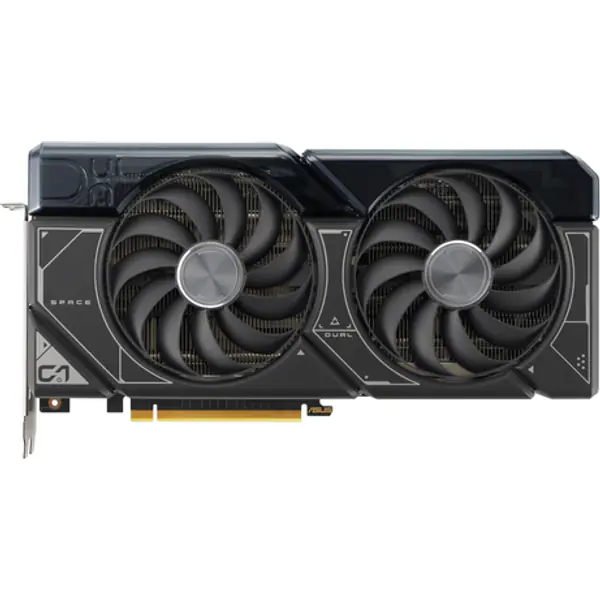
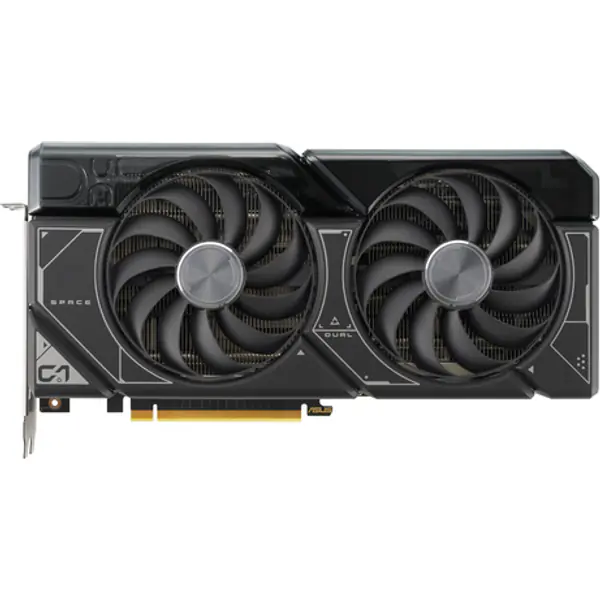
Upgrading for DOOM: The Dark Ages? These are the cheapest graphics cards and processors on sale today that match or beat the developer's recommended parts, so the game runs the way it was meant to.
- Radeon RX 7700 XT 12GB ≈ ₹63,000 Buy now on Amazon
- Radeon RX 7800 XT 16GB ≈ ₹70,000 Buy now on Amazon
- GeForce RTX 4070 SUPER 12GB ≈ ₹84,100 Buy now on Amazon
- GeForce RTX 4070 12GB ≈ ₹84,100 Buy now on Amazon
- Ryzen 7 5700X ≈ ₹11,400 Buy now on Amazon
- Ryzen 5 5600X ≈ ₹11,400 Buy now on Amazon
- Core i3-13100 ≈ ₹11,500 Buy now on Amazon
- Core i3-14100F ≈ ₹12,900 Buy now on Amazon
DOOM: The Dark Ages FPS calculator
Frame rates here are our estimates from the official specs and our benchmark scores, not measured results.
Select your processor and graphics card to see the frame rates and whether your PC meets the official specs.
Estimated benchmark range at High settings (native resolution without DLSS/FSR upscaling). 1% low frame rates during intense scenes are typically 20–30% lower than average.
FPS on popular graphics cards
Estimated FPS at high settings, each card paired with a Ryzen 7 7800X3D so the processor does not hold it back.
| Graphics card | 1080p | 1440p | 4K |
|---|---|---|---|
| GeForce RTX 5090 32GB | |||
| GeForce RTX 4090 24GB | |||
| GeForce RTX 5080 16GB | |||
| GeForce RTX 5070 Ti 16GB | |||
| Radeon RX 9070 XT 16GB | |||
| GeForce RTX 5070 12GB | |||
| GeForce RTX 4070 SUPER 12GB | |||
| Radeon RX 7800 XT 16GB | |||
| GeForce RTX 5060 Ti 16GB | |||
| Radeon RX 9060 XT 16GB | |||
| GeForce RTX 3070 8GB | |||
| GeForce RTX 5060 8GB | |||
| GeForce RTX 3060 Ti 8GB | |||
| Arc B580 | |||
| GeForce RTX 4060 8GB | |||
| Radeon RX 7600 8GB | |||
| GeForce RTX 3060 12GB | |||
| Radeon RX 6600 8GB | |||
| GeForce RTX 2060 | |||
| GeForce GTX 1660 Super | |||
| GeForce GTX 1060 6GB | |||
| GeForce RTX 3050 6GB | |||
| Radeon RX 580 | |||
| GeForce GTX 1650 | |||
| GeForce GTX 1050 Ti |
FAQ
What are the DOOM: The Dark Ages system requirements?
Minimum: AMD Zen 2 or Intel 10th Generation CPU @3.2Ghz with 8 cores / 16 threads or better (examples: AMD Ryzen 7 3700X or better, or Intel Core i7 10700K or better) processor, NVIDIA or AMD hardware Raytracing-capable GPU with 8GB dedicated VRAM or better (examples: NVIDIA RTX 2060 SUPER or better, AMD RX 6600 or better) graphics, 16 GB RAM. Recommended: AMD Zen 3 or Intel 12th Generation CPU @3.2Ghz with 8 cores / 16 threads or better (examples: AMD Ryzen 7 5700X or better, or Intel Core i7 12700K or better), NVIDIA or AMD hardware Raytracing-capable GPU with 10GB dedicated VRAM or better (examples: NVIDIA RTX 3080 or better, AMD RX 6800 or better), 32 GB RAM.
Can I run DOOM: The Dark Ages on an RTX 4060?
Yes. We estimate about 40 FPS at 1080p high settings with a fast processor (medium). That's our estimate, not a benchmark.
Can a GTX 1060 run DOOM: The Dark Ages?
No. The GTX 1060 is below the minimum graphics spec for DOOM: The Dark Ages.
How much RAM does DOOM: The Dark Ages need?
16 GB minimum and 32 GB recommended. 16 GB is the sweet spot for most gaming PCs today.
How big is DOOM: The Dark Ages on PC?
It needs about 100 GB of free space. Leave a few GB extra for updates.
Games in similar genres






Most popular games












Parts people are looking at
- NVIDIANVIDIA GeForce RTX 5060 8GB8 GB GDDR7 · 2.50 GHz boost Buy now on Amazon
- LGLG 24GS60F 24" FHD 180Hz IPS24 inch · 1920 x 1080 Buy now on Amazon
- SamsungSamsung 870 EVO 500GB SATA SSD500 GB · SATA SSD Buy now on Amazon
- BenQBenQ PS01 MouseWireless / Wired · 400 DPI Buy now on Amazon
- DellDell kb216 KeyboardFull-size · Wired Buy now on Amazon
- JabraJabra Evolve3 45 UC USB-A with Dongle Stereo (Charging Stand)Wireless Buy now on Amazon
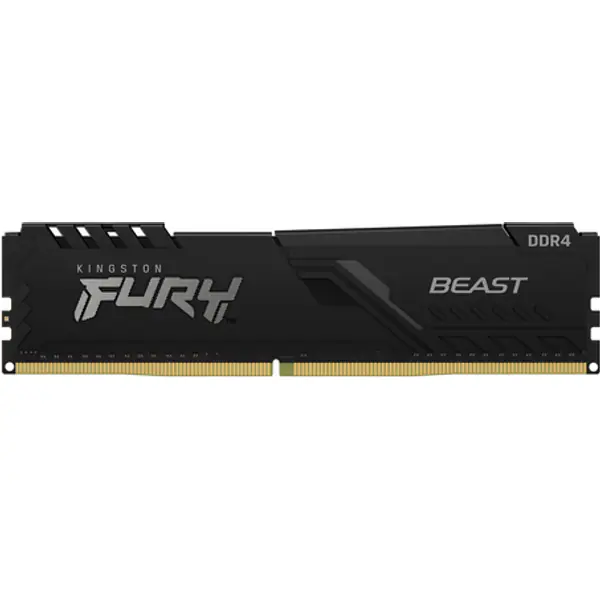
- KingstonKingston FURY Beast 8GB (1x8) DDR4-3200 CL168 GB (1x8) · DDR4 Buy now on Amazon
- LenovoLenovo ThinkPad E16 Gen 4 (AMD) Copilot+ PCAMD 330 · AMD Radeon 820M Buy now on Amazon
- AMDAMD Radeon RX 9060 XT 16GB16 GB GDDR6 · 3.13 GHz boost Buy now on Amazon
- MSIMSI G244F E2 24" FHD 180Hz IPS24 inch · 1920 x 1080 Buy now on Amazon